Samsung’s Redesigned SmartThings App Is on Android Now. Here’s What Moved
SmartThings 1.8.51.30 brings a floating tab bar, resizable device cards and a Favorites section to Android. Here's what changed and how to get it.

In this article
If your lights, robot vacuum or Samsung TV run through SmartThings, the app you open every day just changed. Samsung started rolling out its redesigned SmartThings app on Android on October 1, version 1.8.51.30, two days after the same update reached iPhone.
This isn’t a coat of paint. The layout, the navigation and the way device controls work have all been rebuilt, and it lines up with the design language Samsung is shipping in One UI 9. Some of it is a clear improvement. Some of it will take a few days of muscle-memory retraining.
The big changes
A floating tab bar
The old bottom bar is gone. In its place is a pill-shaped floating navigation bar that hovers over your content, the same style Samsung has been rolling into its own apps since One UI 8. Based on SamMobile’s early look at the redesign in August, the five tabs are Home, Devices, Life, Routines and Menu.
Smaller, smarter device cards
Device and routine cards are now more compact, and you can resize and rearrange them. That sounds minor, but it’s the change most people will feel. You can make the light you toggle 10 times a day big and push the smart plug you never touch to the bottom.
Cards also do more without opening anything. Tapping the icon on a device card switches it on or off, and routine cards can be run directly from the card.
A Home tab that tries to anticipate you
The Home tab now has a dedicated section at the top showing the weather and suggested routines, plus a new Favorites area for pinned devices and routines. If you only ever use five things in SmartThings, pin them and you may never leave this screen.
A better TV remote
The built-in remote for Samsung TVs gets a light mode, and you can resize and reposition it. Small, but welcome if you’ve ever fumbled the dark remote at night.
What else is coming with the redesign
SamMobile and Sammyfans both got an early look at the new app back in August, and it showed off a few extras that may roll in alongside or after this update:
- Live wallpapers for the Home tab that change with the time of day, with nine preloaded options or your own photo, and different wallpapers for different locations.
- A Life tab with cards for Clothing Care, Energy, Food, Home Care and Music Sync that you can reorder.
- A Routines tab split into Discover, which shows popular automations from other users, and My Routines.
- Three widget types: Device Control, Screen Device Control and Routines.
Early looks don’t always match what ships, so treat that list as likely rather than guaranteed until you see it on your own phone.
How to get the update
- Open the Google Play Store or the Galaxy Store, depending on where you installed SmartThings.
- Search for SmartThings and tap Update.
- If the update isn’t there yet, check again in a day or two. Samsung rolls these out in stages.
- After updating, long-press a device card to resize it, then pin your most-used devices to Favorites.
You don’t need a Galaxy phone to use SmartThings; it’s on the Play Store for any Android device, so Pixel and Motorola owners with Samsung appliances or TVs get the same redesign.
Our take
SmartThings has long been a powerful app that felt like a settings menu. This redesign finally treats it like something you use, not something you configure. Resizable cards and one-tap controls fix the most common complaint, which was too many taps to do simple things. The floating tab bar will annoy some people for a week. After that, nobody will remember the old one.
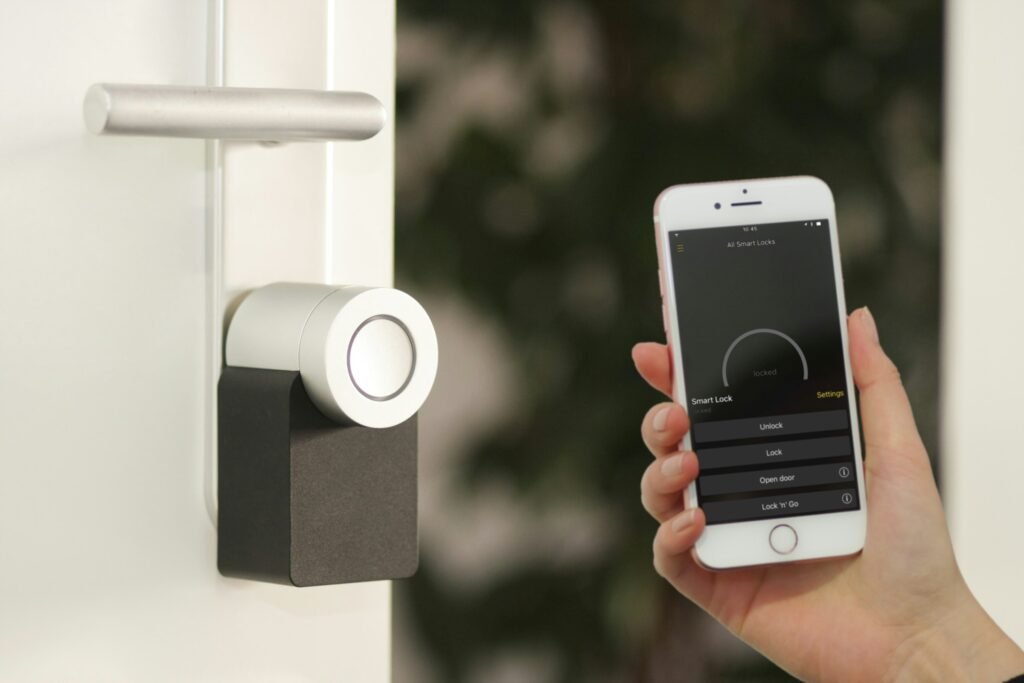
Sources: Android Authority, SamMobile, Sammyfans. Photo by Sebastian Scholz (Nuki) on Unsplash.

Harish
I am the founder of androidcaptain.com, a tech graduate and writes which covers android, smartphones, apps, software, and the rapidly evolving world of artificial intelligence. I focus on breaking down new technologies, exploring useful features, and helping readers understand how their devices and software can work better for them.