Android’s New Scam Shield Uses Gemini to Read Suspicious Texts. Here’s Which Phones Get It
Google Messages' new enhanced protection mode uses Gemini to catch slow-burn scam texts. Here's what it does, which phones get it and when.

In this article
Scam texts used to be easy to spot: a misspelled bank name, a weird link, a “package delivery” you never ordered. Today’s are patient. They open with a friendly “wrong number” text, chat for days, and only get to the crypto pitch once your guard is down. Keyword filters miss that, because nothing in the first ten messages looks dangerous.
Google’s answer, announced on October 14 for Cybersecurity Awareness Month, is to throw a lot more AI at the problem. The headline feature is a new opt-in enhanced protection mode in Google Messages, and it comes bundled with a set of Android changes aimed at phone scams: hiding your passwords during screen sharing, blocking sneaky call forwarding, and hanging up on callers who pretend to be your bank.
Some of this arrives this month, some not until December, and a few pieces depend on which phone you own.
What enhanced protection mode in Google Messages actually does
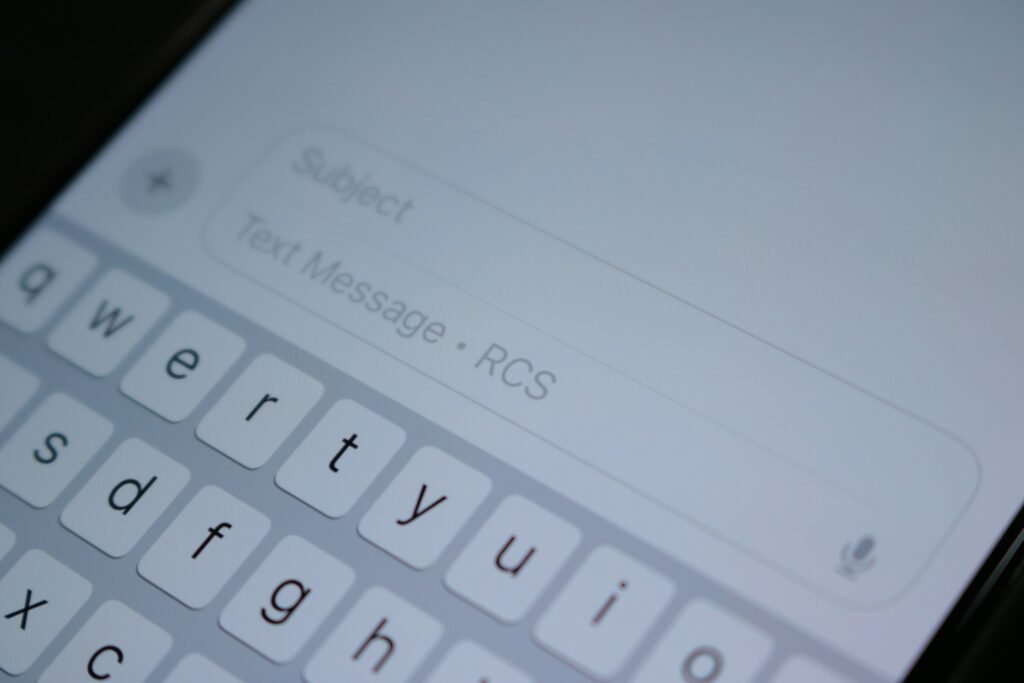
Google Messages already runs on-device Scam Detection, and Google says that system plus the one in its Phone app flags more than 5 million suspected scam calls and texts every month. Enhanced protection mode is an optional setting that layers three things on top of it.
- Cloud-powered Scam Detection. When a conversation involves an unknown sender, Messages can now send the context to Google’s cloud Gemini models, which judge the sender’s intent across the whole thread, not just a single message. This runs on Private AI Compute, the same encrypted setup behind Pixel Screenshots. Google says the data is processed in a sealed environment that no one, including Google, can access.
- Smarter link checks with Gemini Nano. Scammers register fresh domains faster than blocklists can catch them, so on-device Gemini Nano checks real-time web signals to judge an unfamiliar link before you tap it.
- Link checkpoints. Redesigned warnings slow you down and add context before you open a link from a number that isn’t in your contacts. Until now this was limited to select countries or phones with Android’s Advanced Protection turned on.
Google says the mode will roll out “in the coming weeks.” It hasn’t published setup steps yet, so the exact menu path is still unconfirmed. The sensible place to look once it lands is Google Messages settings, near the spam and scam protection controls you already have.
The privacy trade-off is real, and Google knows it
This is the first time Messages will lean on the cloud to read your conversations with strangers, so making it opt-in is the right call. If you avoid cloud features on principle, the on-device Scam Detection you already have isn’t going away. Everyone else, especially anyone setting up a phone for an older relative, should turn this on the day it arrives.
Which phones get it
The fine print matters here. The link checkpoints work on anything running Android 6 or newer, which covers nearly every Android phone still in use. The Gemini Nano link checks are a different story. Google lists the Pixel 10 and later, the Galaxy S26 series, the Galaxy Z Flip 8 and the Galaxy Z Fold 8, plus “other select devices.”
Google is also widening a feature that used to be a Pixel perk. Scam Detection in chat notifications, which warns you about a suspicious message right in the notification shade before you even open the app, is coming to phones from HONOR, Infinix, iQOO, itel, JOVI, Motorola, OPPO, OnePlus, realme, TECNO, vivo and Xiaomi. Google says that’s “hundreds of millions more users later this year,” with timing up to each manufacturer. Samsung is notably absent from that list.
| Feature | Who gets it | When |
|---|---|---|
| Enhanced protection mode (Google Messages) | Opt-in for Google Messages users | Coming weeks |
| Gemini Nano link checks | Pixel 10+, Galaxy S26, Z Flip 8, Z Fold 8, select others | With enhanced mode |
| Link checkpoints for unknown numbers | Android 6 and newer | With enhanced mode |
| Scam alerts in chat notifications | Motorola, OnePlus, Xiaomi, OPPO, vivo and other partners | Later this year |
| Screen-share privacy in Chrome and WebView | Android 15 and newer | Rolling out this month |
| Call-forwarding protection | Pixel and select devices | Early December |
The phone-call defenses are the sleeper hit
Two of the call protections target tricks that drain real bank accounts.
Screen-share privacy. Android already blanks out sensitive fields in native apps when you share your screen. Starting this month on Android 15 and newer, that extends to Chrome and Android WebView, so login fields, passwords and payment screens get hidden automatically during a live screen share. That blunts the classic fake tech-support con, where the “agent” watches you log in to your bank.
Call-forwarding protection. A common account-takeover move is to forward your calls to the scammer’s number, so the one-time passcode your bank reads out by voice goes to them. Android will now block apps from quietly turning on call forwarding in the background. And if someone talks you into typing an MMI forwarding code on your dial pad yourself, Android warns you before it takes effect. That one starts in early December on Pixel and other select devices.
Verified bank calls, mostly outside the U.S. for now
Google is also expanding verified financial calls, which works with official banking apps to confirm in real time that a call really came from your bank. If a caller claiming to be your bank fails the check, Android ends the call and alerts you. Google says that since June it has blocked more than 3 million spoofed calls from Banco do Brasil and Itaú Unibanco alone, and Revolut customers are covered too. No major U.S. bank is named yet, so don’t count on this for your Chase or Wells Fargo account today.
Why Google is pushing this so hard
Part of it is fear, and part of it is marketing. In a Google/YouGov survey of 4,500 smartphone users in the U.S., Canada and Australia, 40% said they were “very” or “extremely” concerned about mobile fraud. Google also points to a Leviathan Security Group evaluation, which Google funded, that compared default protections on the Pixel 11 Pro, iPhone 18 Pro, Galaxy S26 and Motorola Razr 2026 and found Android ahead on call screening and fake-call detection. Treat a vendor-funded study accordingly.
The bigger point stands, though: slow-burn scams need software that understands whole conversations, and Google is betting most people will accept a locked-down cloud doing the reading.
What to do right now
- Update Google Messages and Google Play services from the Play Store so you’re ready when the toggle lands.
- If you have a Pixel 10, Galaxy S26 or one of the new Samsung foldables, turn on enhanced protection mode as soon as you see it. You get the full package.
- Never type a code beginning with * or # on your dial pad because a caller asked you to. December’s warning helps, but the habit protects you today.
Sources: Google, 9to5Google, Android Headlines, Android Police. Photo by Samuel Angor on Unsplash.

Harish
I am the founder of androidcaptain.com, a tech graduate and writes which covers android, smartphones, apps, software, and the rapidly evolving world of artificial intelligence. I focus on breaking down new technologies, exploring useful features, and helping readers understand how their devices and software can work better for them.