Ask YouTube Is Free for Everyone in the US Now, and It Changes How You Search the App
YouTube's Gemini-powered Ask search has moved beyond Premium and is rolling out on Android and iOS to all US users. Here's how to use it.

In this article
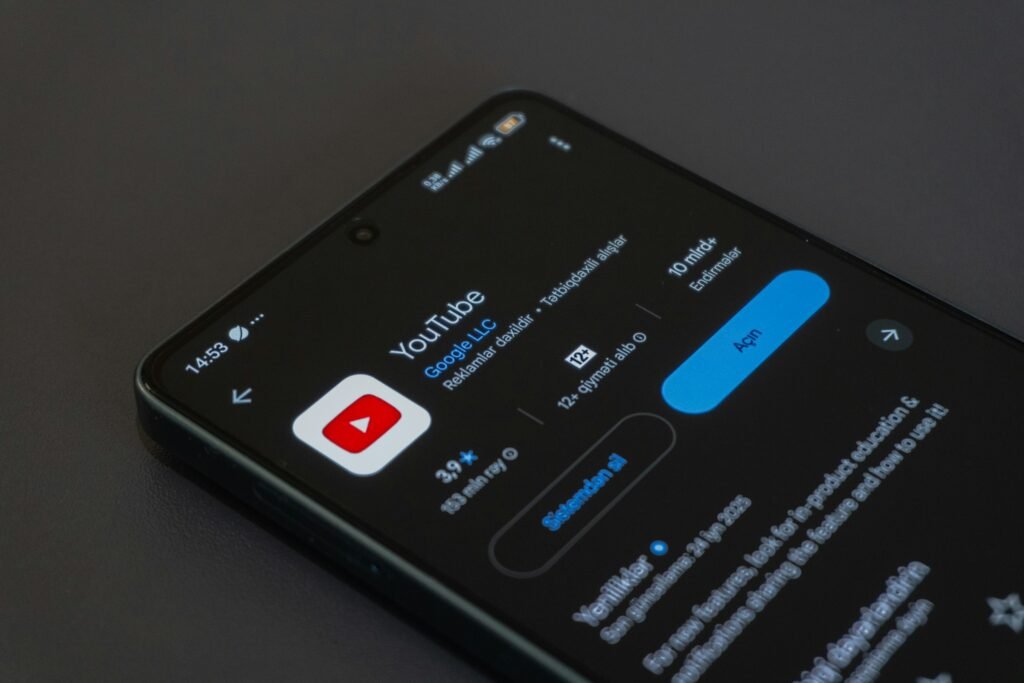
YouTube search has always worked like a vending machine. You type a few keywords, it drops a pile of videos, and you dig. Starting this week, the YouTube app on Android and iPhone offers another way in. Ask YouTube, the Gemini-powered conversational search that started on TVs and as a Premium perk, is rolling out to all users in the US on mobile, free.
9to5Google, Android Authority and Social Media Today all reported the expansion on October 12 and 13. YouTube says it will “gradually expand availability,” so not every phone will show it on day one.
Where to find it
You won’t need to hunt. The entry point lives inside the normal search screen:
- Open the YouTube app and tap the magnifying glass at the top.
- Tap the new Ask option.
- Type a full question the way you’d say it out loud, then refine with follow-ups.
That last step is the point. YouTube describes it as a tool that lets you “ask complex queries, refine with follow-up questions” and get results back in an interactive format. Because it’s built on Gemini, 9to5Google notes, the answers can go beyond what’s strictly in the video you happen to be watching.
What changes for you
Keyword search is fine when you know exactly what you want. It falls apart when you don’t. Think of questions like “which beginner sourdough videos explain hydration without math” or “what changed in the last two Pixel updates, and who covered it best.” Those are the queries that used to need three searches and a lot of skimming. A conversational layer that can narrow the field and let you push back is a real upgrade for that kind of browsing.
It also isn’t a brand-new idea. Some form of contextual AI has existed on YouTube since 2023, according to 9to5Google, and Android Authority traces this version from a test in April to a formal announcement at Google I/O, then the web and TV apps. Social Media Today places the mobile launch as the final piece, putting Ask YouTube on desktop, phones and connected TVs for US users.
Who doesn’t get it
- Kids: Google’s support documentation says the feature is “not currently available for supervised kid accounts,” and it isn’t in YouTube Kids.
- Viewers outside the US: Mobile access matches the web and TV versions, which are US-only for now.
- Shorts and live streams: YouTube plans to let you call up Ask YouTube from the watch page in the Shorts feed and during live streams, but that’s coming later with no date.
Our take: useful, with one worry
Dropping the Premium requirement is the right move. A search feature only gets good when lots of people use it, and the timing makes sense. Social Media Today cites a 2026 Pew Research study finding that about half of US adults now use AI chatbots, up from one-third in 2024. People already expect to ask a question and get a direct answer. YouTube would be foolish to make them leave the app to do it.
The worry is the same one that has followed AI answers in Google Search. If Ask YouTube summarizes a creator’s work well enough that you never tap the video, the person who made it loses the view. YouTube’s whole economy runs on those views. How often Ask sends you into videos instead of answering for them will decide whether creators come to see it as a feature or a threat.
For viewers, though, it’s an easy recommendation. Update the app, tap the search icon and try one question you’d normally have to piece together from five videos. If it doesn’t show up yet, give it a few days.
Sources: 9to5Google, Android Authority, Social Media Today. Photo by Zulfugar Karimov on Unsplash.

Sidharth
Hey there ! I am Sidharth Shankar, I am an editor at Android Captain. A computer science engineer with 7 years of experience in the technology field, I cover apps, Reviews, AI features, wearables and hands-on how-to guides for Android users.