Google Messages Finally Lets You Copy Part of a Text, and the Menu Moved Closer to Your Thumb
Google Messages' new floating long-press menu is now widely rolled out, with partial text copying and actions that sit within easy reach.


In this article
For years, copying a tracking number or an address out of Google Messages meant copying the whole bubble, pasting it somewhere else, and trimming away everything you didn’t want. That chore is finally over. Google confirmed on October 1 that its redesigned long-press menu, complete with partial text selection, is now widely available in the stable version of Messages.
It’s a small change on paper. In practice, it fixes one of the most common annoyances in the most-used messaging app on Android.
What changed when you long-press a message
The old behavior pushed a row of icons into the toolbar at the very top of the screen, about as far from your thumb as possible on a modern 6.7-inch phone. The new design drops a floating menu right next to the message you pressed, and blurs the rest of the conversation behind it.
According to 9to5Google, the menu shows labeled actions with icons:
- Text messages: Reply, Forward, Copy, Star, Delete, Select more and Info
- Photos: the same core actions plus Remix and Save
- Reactions: a row of emoji shortcuts sits above the menu
Info is more useful than it sounds. Droid Life notes it shows the send time, delivery status and whether the conversation is end-to-end encrypted, which used to take an extra tap or two to find.
How to copy just part of a message
This is the feature most people will actually notice. Here’s how it works once the update reaches your phone:
- Long-press the message to open the new floating menu.
- Long-press again, directly on the text.
- Drag the selection handles to highlight only what you need.
- Pick Copy, Translate or Select All from the pop-up.
That second long-press is the trick, and it isn’t obvious. Expect a lot of people to keep copying entire messages until someone shows them. Still, it’s the standard Android text selection you already use in Chrome and Gmail, which makes Messages feel less like an outlier.
Who gets it, and when
Google started testing the menu with beta users in August. Android Authority spotted it reaching stable users on September 25 in version 20260903_04, and not only on Pixels; it confirmed the menu on a Galaxy S23 Plus and a Galaxy S25 Ultra. As of October 1, 9to5Google reports it is widely rolled out in stable build 20260910_03_RC02.
The switch is partly server-side, so updating the app alone may not flip it on. If you don’t see it yet, open Settings, go to Apps, find Messages and tap Force stop, then reopen the app.
Actions such as Reply, Forward, Copy, Star, Delete, Select more, and Info are easier to reach without stretching a thumb toward the top of the display. — Android Authority
A couple of smaller extras
The update also brings proper light and dark theme support for the menu and a layout tuned for landscape. And if you only want to know when a single message was sent, you can slowly slide the conversation to the left to reveal timestamps without opening anything.
Why this matters more than it looks
Google Messages is the default texting app on Pixels and on Samsung’s U.S. Galaxy phones, which puts it in front of a huge share of American Android owners every day. Getting basic text handling right in that app does more for everyday usability than most headline AI features.
It also closes an old gap with iMessage, where selecting part of a bubble has worked for years. Google has spent the last two years bolting AI tools like Remix onto Messages. This update is a reminder that the unglamorous fixes are often the ones people feel immediately. Check your app today; there’s a good chance it’s already there.
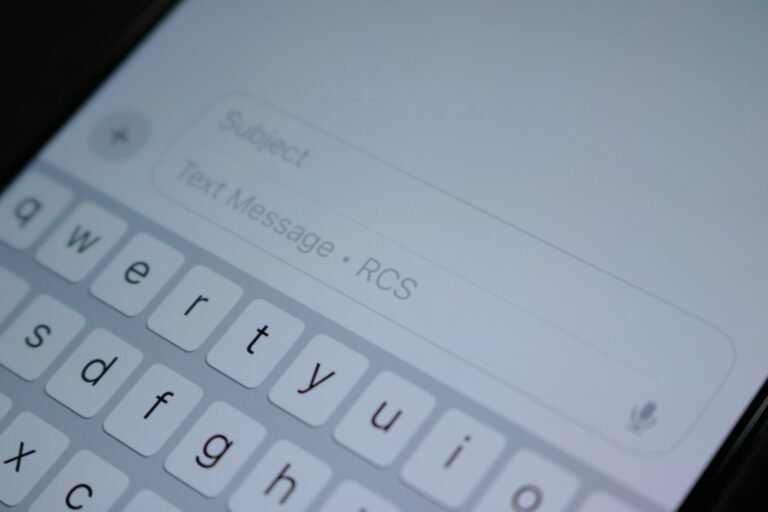
Sources: 9to5Google, Android Authority, Droid Life. Photo by Priscilla Du Preez on Unsplash.

Sidharth
Hey there ! I am Sidharth Shankar, I am an editor at Android Captain. A computer science engineer with 7 years of experience in the technology field, I cover apps, Reviews, AI features, wearables and hands-on how-to guides for Android users.