One UI 9.5 Beta Is Live for the Galaxy S26 in the US: App Lock, Pro Camera Upgrades and How to Join
The One UI 9.5 beta is live for Galaxy S26 owners in the US, adding App Lock, upgraded Pro camera modes and new Samsung Health tools.

In this article
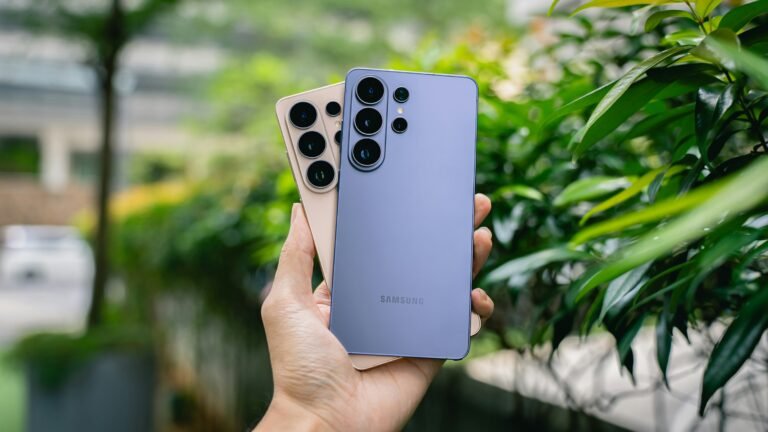
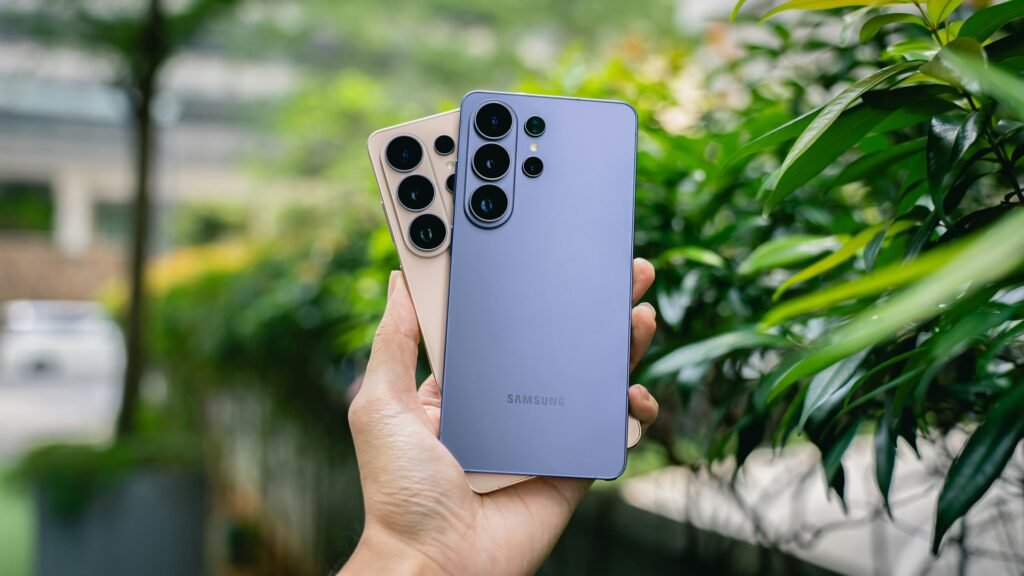
Samsung has stopped teasing. The One UI 9.5 beta is live for the Galaxy S26, S26+ and S26 Ultra, and U.S. owners are in the first wave. Samsung’s U.S. newsroom posted the announcement on Nov. 18, saying the program opens “starting November 17,” while 9to5Google and other outlets saw sign-ups go live on the 18th. Either way, if you own an S26 and have the Samsung Members app, you can be running Samsung’s next big update tonight.
The headline feature is one Android fans have wanted on Samsung phones for a long time in a cleaner form: a system-level App Lock. But the update is broader than that, with a serious camera overhaul for people who shoot in Pro mode, two new Samsung Health tools and a couple of quietly thoughtful accessibility additions.
Who can get the One UI 9.5 beta right now
The beta is limited to the Galaxy S26 series for now, in six countries: the U.S., the UK, Germany, India, South Korea and Poland. No older Galaxy phones, foldables or tablets are included at launch.
Samsung hasn’t given a date for the stable release. 9to5Google expects the finished build early next year, most likely debuting on the Galaxy S27 series, and points to last year’s One UI 8.5 schedule as a hint that older Galaxy phones could follow around May. That’s an estimate, not a Samsung promise, so treat it accordingly.
What’s new in One UI 9.5
App Lock, built into the system
App Lock lets you put any individual app behind your fingerprint, face or screen lock. More importantly, Samsung says locked apps also hide their notification content and widgets, so someone holding your unlocked phone can’t read a banking alert or a private chat preview off the lock screen or home screen.
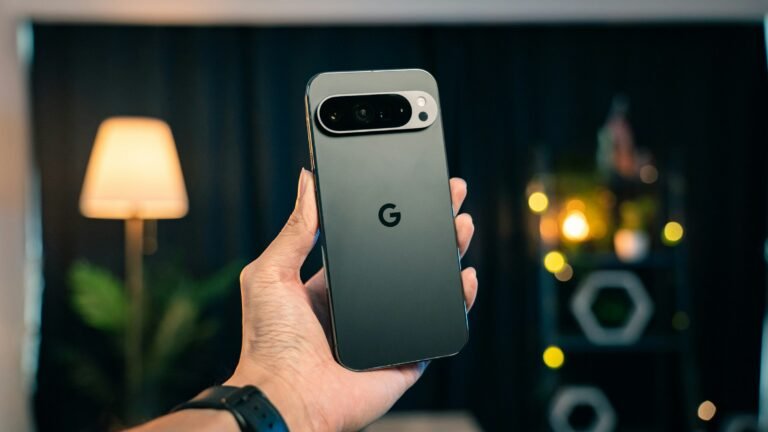
This is the same App Lock Google has been testing on Pixels. Google first slipped it into an Android 17 QPR2 beta in August, then pulled it. A Google community manager said on Reddit the team wanted “additional polish, thorough testing, and robust integration across all system surfaces.” It came back in Android 17 QPR3 Beta 3, and on Nov. 18 Google officially re-released it in beta, on the same day Samsung shipped One UI 9.5 with it. Pixel owners on the stable channel probably won’t see it until around March, which means Galaxy S26 beta testers get a working version first.
A real upgrade for Pro and Pro Video modes
The camera changes are aimed at people who actually use manual controls. Pro and Pro Video modes get customizable controls, savable presets and more detailed monitoring. The default camera picks up a zoom bar and pulls its key settings onto a single screen. Samsung notes the Pro upgrades apply only to phones with full Pro modes, not models limited to Pro Lite or Pro Video Lite. Every S26 model is in the beta, but that caveat will matter when the update reaches cheaper Galaxy phones.
Samsung Health: Mind Note and Medications
- Mind Note is a journaling space with free writing or guided prompts. It isn’t supported on Galaxy Watch.
- Medications lets you log prescriptions, vitamins and supplements, set reminders and track whether you’re actually taking them. Samsung says availability varies by market and that the feature doesn’t provide medical advice.
Accessibility touches
A floating shortcut keeps essential accessibility controls within reach, and hearing aid users get controls in the notification panel to adjust volume and choose which sounds (notifications, calls, alarms) are routed to their hearing aids. Small changes, but the kind that make a phone usable rather than merely accessible on paper.
How to join the One UI 9.5 beta on a Galaxy S26
- Back up your phone first, using Samsung Cloud, Google One or Smart Switch to a PC. This is test software.
- Open the Samsung Members app and look for the One UI 9.5 beta banner.
- Tap to register and accept the terms.
- Go to Settings > Software update > Download and install.
- Expect a large download. Tech-ish reports the package at roughly 3.49GB to 3.6GB, so use Wi-Fi and plug in.
If the banner doesn’t appear, update the Samsung Members app and confirm your phone was sold in one of the six launch countries. Samsung betas also tend to open in waves, so a missing banner on day one doesn’t always mean you’re shut out.
Should you install it?
If the S26 is your only phone and you rely on it for work, two-factor codes or banking, I’d wait a build or two. Early One UI betas are usually stable enough for daily use, but “usually” isn’t what you want from the device that holds your boarding pass. Getting off a beta is also rarely painless; going back to stable software typically means a full wipe unless you wait for the final release to arrive as an update.
If you’re curious and backed up, though, this is one of the more worthwhile betas Samsung has run lately. App Lock alone fixes a real annoyance: until now, keeping a nosy relative out of one app on a Galaxy meant juggling Secure Folder. Having it as a built-in option with hidden notifications is cleaner and, frankly, overdue.
The bigger picture is timing. Samsung landed this beta the same day Google officially re-released App Lock on Pixels, and both are building toward Android 17’s next quarterly releases. For once, Galaxy owners aren’t waiting months behind Pixel for a core Android feature. They’re testing it alongside them.
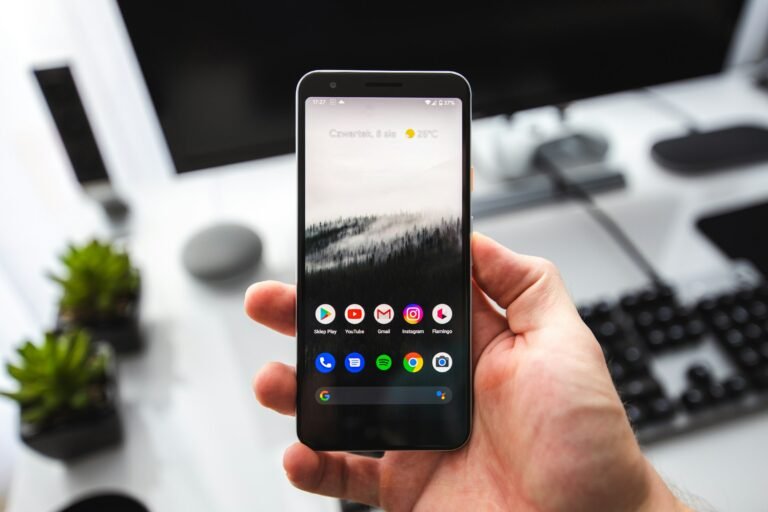
Sources: Samsung Newsroom U.S., 9to5Google, 9to5Google (App Lock), Tech-ish. Photo by Amanz on Unsplash.

Harish
I am the founder of androidcaptain.com, a tech graduate and writes which covers android, smartphones, apps, software, and the rapidly evolving world of artificial intelligence. I focus on breaking down new technologies, exploring useful features, and helping readers understand how their devices and software can work better for them.