Google Maps’ Ask Maps Now Plans Road Trips and Calls Businesses to Book Appointments
Ask Maps in Google Maps now builds trip itineraries, searches saved lists and finds appointments for you. Here's how to use it.

In this article
Planning a holiday road trip usually means three apps, a dozen browser tabs and a group chat arguing about where to stop for lunch. Google wants Maps to handle all of it.
On Nov. 16, Google started rolling out four new Ask Maps features on Android and iOS: full trip itineraries, smarter route tips, AI that hunts down appointments (and will phone businesses for you) and a search that checks your saved places for open tables. Two of them are launching in the U.S. first, which makes this one of the more useful Maps updates American users have gotten this year.
Ask Maps is the Gemini-powered chat box that sits directly under the search bar in the Google Maps app. It rolled out widely in the U.S. and India in late March, and Google says it’s now expanding to 30 more countries in Europe, including the U.K., Germany and Spain, which takes it past 200 countries and territories.
Ask Maps can now build a full trip itinerary
The headline feature is itineraries. Ask for “a three-day coastal road trip with hikes and oceanfront dining,” to borrow Google’s example, or something smaller like a day of holiday shopping, and Ask Maps builds a step-by-step plan with a day-by-day schedule, tips and numbered pins on the map for each stop.
It’s not a static list. While you’re on the trip, the itinerary pulls in live traffic, whether a place is currently open and the atmosphere at your next stop. You can tap to get directions to the next stop, or just tell Ask Maps to add a viewpoint or a lunch break and it slots the stop in.
Itineraries can be shared with friends and family, and on desktop you can export them to Google Docs. To find one later, open Ask Maps and look for the “itinerary” badge in your chat history.
This works everywhere Ask Maps is available, not only in the U.S.
It will call the nail salon so you don’t have to
The bigger shift is agentic. Ask Maps can now search for appointments in four categories: beauty, pet care, auto repair and home repair. It checks online booking options and can also call local businesses on your behalf.
Type “Find me a 4 p.m. nail appointment near me,” and Ask Maps comes back with open slots across nearby businesses. You pick one and book it.
Google has had the pieces for this for years (Duplex made restaurant calls back in 2018), but putting it in front of Maps’ enormous U.S. user base right before the holidays is a different scale. It’s also the feature most likely to be uneven at launch. Expect it to work best in big metro areas with lots of businesses to choose from, and expect some salons to be surprised by the call.
Appointment finding is U.S.-only for now, with more regions promised later.
Your saved lists finally do something
If you’ve been starring restaurants for years and never looking at them again, this one’s for you. Ask Maps can now search your saved lists and check live availability. Google’s example question: which of my saved spots can seat five people in the next 30 minutes?
It’s a small change that fixes a real annoyance. Saved lists have always been a graveyard; now they’re something you can actually query when you’re standing on a sidewalk with hungry relatives. List search, like itineraries, is available wherever Ask Maps is.
“Know before you go” tips for the drive
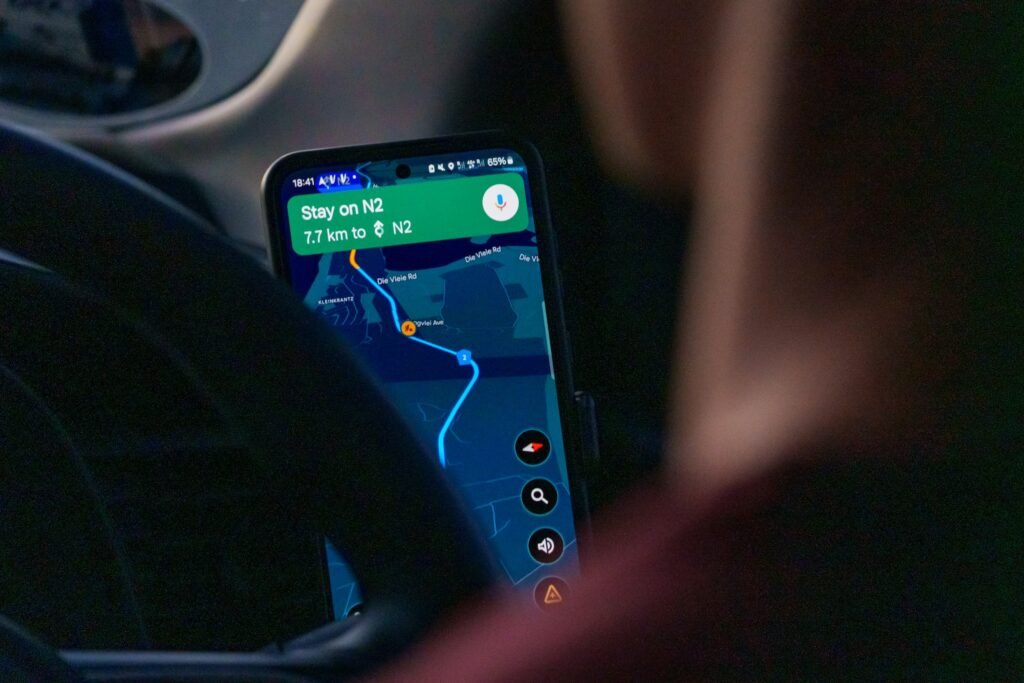
The fourth feature lives in directions rather than chat. When you open directions, Maps now shows “Know before you go” tips: where to park, where to charge an EV, the weather, potential delays and tolls along the route. Google pitches it for multi-day road trips, but it’ll probably be most useful on everyday errands to places with terrible parking.
Like appointment booking, these route tips launch in the U.S. first.
What’s available where
| Feature | What it does | Availability |
|---|---|---|
| Trip itineraries | Day-by-day plans with numbered pins, live info, shareable, Docs export on desktop | All Ask Maps countries |
| Saved list search | Searches your saved places with live availability | All Ask Maps countries |
| Appointment finding | Beauty, pet care, auto and home repair; can call businesses | U.S. first |
| Know before you go | Parking, EV charging, weather, delays and tolls in directions | U.S. first |
How to try the new Ask Maps features
- Update Google Maps from the Play Store (or the App Store on iPhone). The rollout started Nov. 16 and is gradual, so not every account will see everything right away.
- Open Maps and tap Ask Maps, directly under the search bar.
- Describe the trip, errand or appointment you want in plain language. Be specific about dates, number of people and time of day.
- For an itinerary, use the share option to send it to your travel group, or open Maps on a computer to export it to Google Docs.
- For route tips, just start directions as usual and look for the “Know before you go” card.
The bottom line
Itineraries and list search are the features most people will actually use this holiday season, and they’re available to everyone with Ask Maps. Appointment booking is the more ambitious play, and the one to watch: if Google can reliably get you a same-day haircut or oil change by asking one question, Maps stops being a map and starts being an assistant. Just double-check any booking it makes before you drive across town.
Sources: Google, 9to5Google, Android Headlines. Photo by Ed Wingate on Unsplash.

Sidharth
Hey there ! I am Sidharth Shankar, I am an editor at Android Captain. A computer science engineer with 7 years of experience in the technology field, I cover apps, Reviews, AI features, wearables and hands-on how-to guides for Android users.