Gemini Can Now Read Your Google Wallet. Here’s What It Sees and How to Turn It On
Google Wallet in Gemini is rolling out in the US, charting your spending and flagging pricier subscriptions. Here's how it works and the privacy catch.

In this article
Google has wanted Gemini to know your inbox, your photos and your search history for a while now. As of Nov. 13, it can also know what you spent at Target last month.
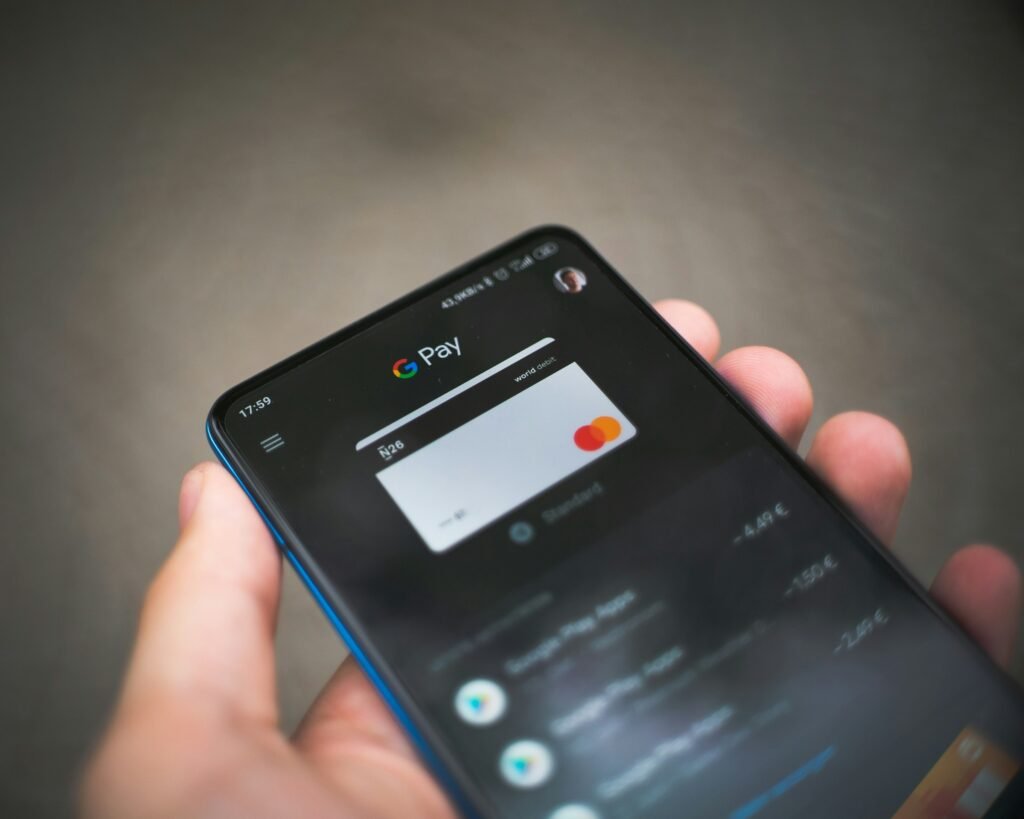
Google Wallet is now a connected app inside Gemini’s Personal Intelligence feature, and it’s rolling out to every Gemini app user in the U.S. on Android, iOS and the web. Tag @Google Wallet in a chat and Gemini will read your transactions, chart your spending, hunt down subscriptions that got more expensive and suggest a holiday budget based on what you spent last year. Link your bank and credit card accounts through Plaid and it sees even more.
It’s the first connected app that gives Gemini a direct look at your money, and that makes it a different kind of trade than letting it summarize your email. Here’s what it does, who can use it, how to turn it on, and the privacy fine print you should read before you do.
What Gemini can do with your Google Wallet data
Google’s announcement leans on three examples, and they’re a good map of where the feature is actually useful.
- Spending reviews with charts. Ask Gemini to look at last quarter’s spending and help you save $1,000 over the next three months, and it can answer with interactive charts covering cash flow, budgets and asset allocation. No CSV exports, no spreadsheet.
- Subscription audits. Gemini can find recurring charges across your linked accounts and flag the ones whose price went up this year. That’s the single most practical use here. Streaming and software subscriptions have crept up all year, and most people don’t notice a $2 bump.
- Holiday budgets. It can total what you spent on gifts and travel last year and suggest a budget for this season. The timing of this launch, six weeks before Christmas, is not an accident.
Out of the box, Gemini works from what’s in Google Wallet: your saved payment methods and the purchase data Google already has there. The optional Plaid connection is where it gets interesting, because that pulls in transactions from bank and card accounts that never touch Google Pay. Google says linking through Plaid unlocks “deeper insights,” which is a polite way of saying the Wallet-only version won’t see most of your spending if you mostly tap a physical card.
Who gets it, and what you need
Availability is narrower than “all U.S. users” suggests once you read the requirements. Sources agree on the core points, and Techgenyz adds the account limits.
| Requirement | Details |
|---|---|
| Country | United States only; no international timeline announced |
| Age | 18 or older |
| Language | English |
| Account type | Personal Google account; not Workspace work or school accounts |
| Platforms | Gemini app on Android and iOS, plus gemini.google.com |
| Settings | Keep Activity turned on; Wallet connected in Personal Intelligence |
| Optional | Bank and credit card accounts linked via Plaid |
| Cost | No paid plan mentioned in Google’s announcement |
The rollout is gradual, so if Wallet doesn’t show up in your Connected Apps list yet, it isn’t broken. Check back over the next several days.
How to connect Google Wallet to Gemini
The feature is off by default. To turn it on:
- Open the Gemini app on your Android phone (or go to gemini.google.com).
- Tap your profile picture and go to Personal Intelligence.
- Open Connected Apps and switch on Google Wallet.
- If you want Gemini to see transactions beyond Wallet, link your bank or card accounts through Plaid when prompted.
- Start a chat and type @Google Wallet followed by your question, such as “which of my subscriptions went up in price this year?”
You can switch the connection off from the same screen at any time.
The privacy fine print matters more than usual
Google is clear on the big safety point: the connection is read-only. Gemini can’t move money, pay bills or invest anything on your behalf. That rules out the scariest scenario.
The training policy is more nuanced, and it’s worth reading slowly. Google says it doesn’t train its generative AI models directly on Wallet and payments data. But if Keep Activity is on, which the feature requires, the summaries, excerpts and inferences Gemini draws from your transactions to answer a prompt, along with the prompts and responses themselves, can be used to improve Google’s services and train models. So the raw ledger stays out, but “you spent $640 on dining in October” may not.
Two more details stand out:
- Human reviewers, including trained service providers, may see a subset of Connected Apps conversations. Google says it strips identifying links and reduces personal information first, but its own guidance is not to connect apps holding information you wouldn’t want a reviewer to see.
- Disconnecting isn’t deleting. Turning off the Wallet connection doesn’t remove what’s already in your Gemini Apps Activity. You have to delete that history separately.
Google also says, in so many words, not to rely on Gemini’s output for financial advice and to consult a professional. Take that seriously. A chatbot that miscategorizes a Venmo transfer as “entertainment” is harmless in a pie chart and less harmless in a savings plan.
Our take: the subscription audit is worth trying once. Ongoing access to your full bank history, via Plaid, is a bigger decision, and you should make it on purpose rather than on autopilot.
Memory Summary arrives alongside it
Google paired the Wallet launch with Memory Summary, a single screen showing the preferences, interests and goals Gemini has saved about you. You can edit or delete any of them and browse a chronological memory history. Find it under Profile > Personal Intelligence > Memory Summary. It requires a personal account, age 18 or older, Keep Activity on and Memory turned on, and it isn’t offered in the European Economic Area, Nigeria, Switzerland or the U.K.
If you’re about to hand Gemini your spending history, Memory Summary is the right place to check what else it already thinks it knows about you.
Should you turn it on?
For the budgeting curious, yes, at least for a trial run. Gemini already connects to Gmail, Photos, YouTube, Search and Workspace, and Wallet is a natural next step that does something those don’t: turn a messy pile of transactions into a chart in a few seconds. Plenty of standalone budgeting apps charge a subscription for that.
But this is the moment Personal Intelligence stops being about convenience and starts being about your finances. Keep the Plaid link off until you’ve seen what Wallet-only answers look like, run the subscription check, and decide from there. If you do keep it, revisit your Gemini Apps Activity now and then, because that’s where the record of these conversations lives.
Sources: Google, Talk Android, Unite.AI, Techgenyz. Photo by Mika Baumeister on Unsplash.

Harish
I am the founder of androidcaptain.com, a tech graduate and writes which covers android, smartphones, apps, software, and the rapidly evolving world of artificial intelligence. I focus on breaking down new technologies, exploring useful features, and helping readers understand how their devices and software can work better for them.