TCL’s Designer Series Google TVs Hang Like Art. Here’s Which One to Buy
TCL’s Designer Series Google TVs mount flush and show art when idle. Here’s how the matte A300L and Mini LED A400U compare, from $899.

In this article
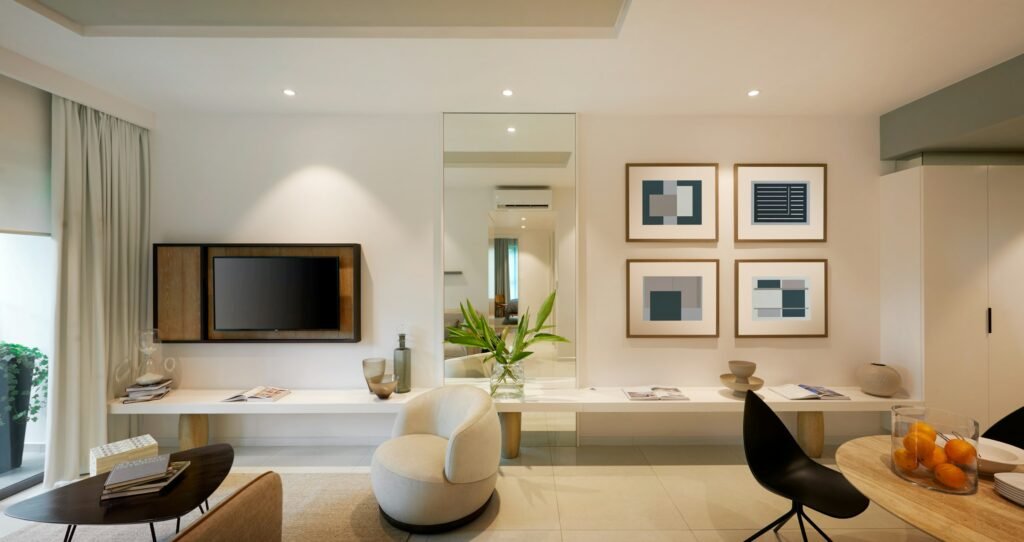
Samsung’s The Frame proved people will pay for a TV that looks like a picture when it’s off. TCL’s answer is the Designer Series, a pair of Google TV lineups built to sit flat against the wall and display art when you’re not watching. The real question for buyers isn’t whether they look good. It’s which one to get, because the two models are more different than the shared name suggests.
What both models share
Both lines mount flush, sitting about 1.1 inches off the wall, and the mount comes in the box. There’s no external connection box; everything is built into the TV. Both run Google TV, show a curated art library or your own photos when idle, and pair 4K panels with a 144Hz refresh rate and support for Dolby Vision, HDR10+, HDR10 and HLG. An optional rolling floor stand is sold separately. TCL first showed the series at IFA 2026 in Berlin before it reached U.S. retail.
Google TV here means the familiar package: your streaming apps, YouTube TV, Google Assistant and Chromecast built in. TCL’s product page for the A300L also lists Apple AirPlay 2 and HomeKit support, which helps in households that mix iPhones and Android phones.
A300L vs. A400U
| Feature | TCL A300L | TCL A400U |
|---|---|---|
| Panel | 4K QLED, ultra-matte anti-glare | 4K QD-Mini LED with local dimming |
| Sizes | 55, 65, 75 inches (85 coming later) | 55, 65, 75, 85 inches |
| Refresh rate | 144Hz | 144Hz |
| HDR | Dolby Vision, HDR10+, HDR10, HLG | Dolby Vision, HDR10+, HDR10, HLG |
| Swappable bezels | Yes, magnetic (off-white, light wood) | Not offered |
| Wall depth | About 1.1 inches | About 1.1 inches |
The A300L is the “looks like art” model. Its ultra-matte screen cuts glare, and glare is what ruins the illusion of a painting on the wall; nobody wants a Monet with a reflection of the window across it. It also takes magnetic, swappable bezels, with TCL listing an off-white bezel plus a light-oak-style frame.
The A400U is the better TV. Its QD-Mini LED panel adds local dimming and TCL’s Halo Control System, which should mean deeper blacks and less blooming around bright objects in dark scenes. What it gives up is the bezel swapping, so it’s less of a décor chameleon.
What they cost
TCL and Best Buy put the series’ starting price at $899, but actual prices have bounced around since launch, so check before you buy. Notebookcheck listed the 55-inch A300L at $1,099, the 55-inch A400U at $999 and the 85-inch A400U at $2,499. TCL’s own store had the 55-inch A300L at $999.99, on sale for $799.99, when we checked.
The takeaway: stepping up to Mini LED isn’t necessarily more expensive at the smallest size. Compare the two at the size you want on the day you buy.
Which one should you buy?
If the TV lives in a bright living room and spends more hours showing art than movies, get the A300L. The matte screen and bezels are the whole point of this category, and the A400U can’t match them.
If it’s your main TV for movie nights and Sunday football, get the A400U. Mini LED dimming makes a bigger difference to what you watch every day than a wooden frame does, and it still hangs flat and shows art when you’re done.
One caution from TCL’s spec sheet: the A300L’s included flush mount isn’t VESA-compatible, so you can’t easily swap in an articulating arm later. If you need your TV to swivel toward the kitchen, this probably isn’t the series for you.
Sources: 9to5Google, Android Headlines, Notebookcheck, TCL. Photo by Huy Nguyen on Unsplash.

Harish
I am the founder of androidcaptain.com, a tech graduate and writes which covers android, smartphones, apps, software, and the rapidly evolving world of artificial intelligence. I focus on breaking down new technologies, exploring useful features, and helping readers understand how their devices and software can work better for them.