Google TV Now Has 337 Free Channels Built In. Check Them Before You Pay for Another Service
Google TV Freeplay has grown to 337 free live channels plus 10,000+ on-demand titles in the U.S. Here's how to find them, no app required.


In this article
There’s a free cable package hiding on your Google TV, and it keeps getting bigger. Google TV Freeplay, the ad-supported live TV service built into Google’s streaming platform, now carries 337 channels in the U.S., according to 9to5Google’s September tally. Two years ago it launched with about 150.
You don’t need to download an app, add a credit card or sign up for anything beyond the Google account your TV already uses. If you’ve been paying for a live TV service mostly to have something on in the background, this is worth ten minutes of your evening.
How fast Freeplay has grown
Freeplay isn’t a new idea. It’s Google’s version of a FAST service, short for free ad-supported streaming TV, the same model Pluto TV and Tubi made popular. What’s changed is scale.
| Date | Freeplay live channels (U.S.) |
|---|---|
| September 2024 (launch) | About 150 |
| Late 2025 | About 250 |
| July 2026 | 316 |
| September 2026 | 337 |
The July jump was the big one. Cord Cutters News reported more than 60 channels added in a single batch, calling it one of the largest expansions since the service launched. The lineup now spans news, sports highlights, crime dramas, classic TV, movies, kids programming, music, international channels and local news.
It isn’t just live TV anymore
In August, Google added a second tab. Alongside Live TV, Freeplay now has Free movies & shows, an on-demand library of more than 10,000 titles. The catalog comes through distribution deals with studios including A24 and Lionsgate, and Google sources part of its free content from partners such as Xumo.
Don’t expect this month’s theatrical releases. Do expect a deep bench of older films and TV, with ad breaks, at no cost.
How to find Freeplay on your TV
- From the Google TV home screen, move to the Live tab at the top.
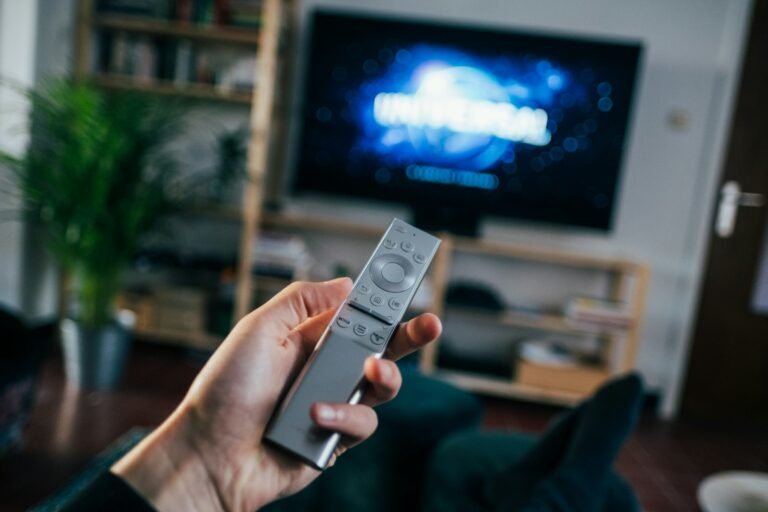
- Scroll the channel guide. Freeplay channels sit right in the grid, no separate app to launch.
- Press select on anything that looks interesting to start watching instantly.
- Favorite the channels you like so they float to the top, or set a reminder for a show that hasn’t started yet.
- For on-demand titles, open the Free movies & shows section instead of the live guide.
It works on the Google TV Streamer, the Chromecast with Google TV, Walmart’s Onn Google TV boxes and other devices running Google TV. It’s U.S.-only.
If you want even more, the Live tab can also pull in channels from free apps like Pluto TV, Tubi, Plex and HaystackNews once they’re installed. 9to5Google counts more than 1,500 free channels available that way.
Should it replace a paid service?
For some people, yes. If your live TV habit is mostly news in the morning, reruns at night and something playing while you cook, Freeplay plus a couple of free apps covers a lot of that. You’ll sit through ads, but you were probably already doing that on cable.
It won’t replace a paid bundle if you need live sports from the major networks, current-season prime-time shows, or your regional sports network. Freeplay has sports highlights, not the games that matter.
Our advice: before you renew a live TV subscription, or before you pay a streaming service’s price hike, spend a week with the Live tab. If you barely notice what’s missing, you just found a raise.
Sources: 9to5Google, 9to5Google (on-demand), Cord Cutters News. Photo by Jonas Leupe on Unsplash.

Sidharth
Hey there ! I am Sidharth Shankar, I am an editor at Android Captain. A computer science engineer with 7 years of experience in the technology field, I cover apps, Reviews, AI features, wearables and hands-on how-to guides for Android users.