Google Maps on Android Auto Now Flags the Stop Sign at Your Next Turn
A new Google Maps pop-up on Android Auto shows whether your next turn has a traffic light or a stop sign. Here's how it works and when you'll see it.

In this article
Google Maps has known where traffic lights and stop signs are for years. It just didn’t do much to tell you about them.
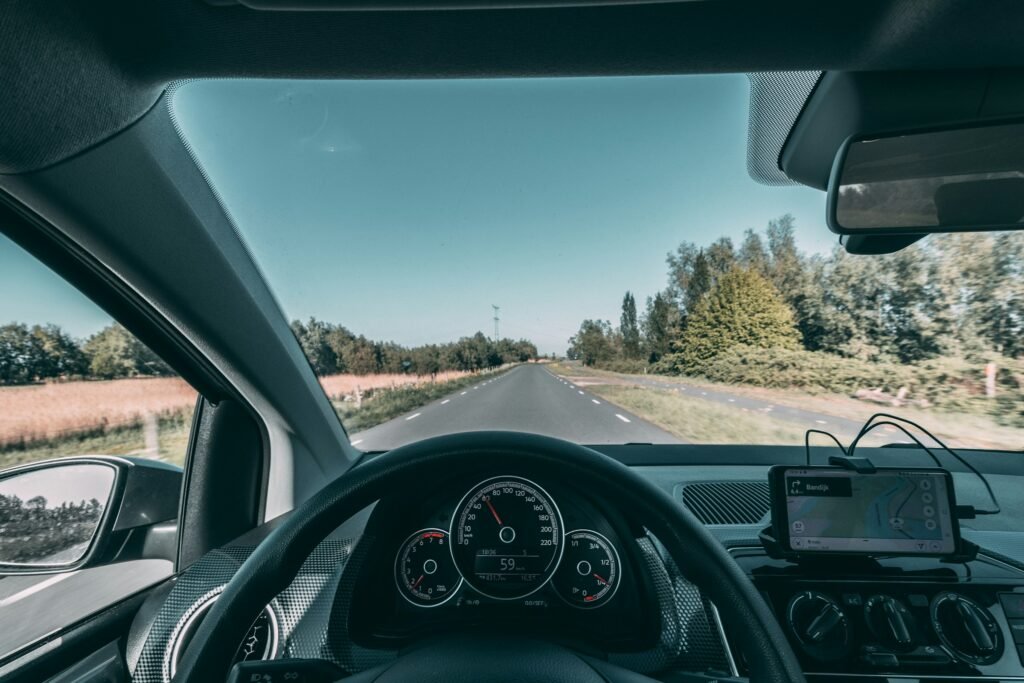
That’s changing. Google Maps on Android Auto is rolling out a small pop-up that shows whether your next turn has a traffic light or a stop sign, placed right beside the street name in your turn instruction. 9to5Google spotted it on September 23, and it’s also showing up in the Maps app on phones.
It sounds minor. After a few drives, it probably won’t feel that way.
What changed
Maps started drawing traffic signals on the map back in August 2020, per BGR. The trouble was that those icons were fixed parts of the map. You had to spot a tiny light or sign on a moving screen and work out whether it sat on your route.
Now the information comes to you. When your next maneuver is at an intersection with a signal or a stop sign, Maps shows it as a floating indicator next to the street name, the same place your eyes already go for the turn. 9to5Google’s Ben Schoon called it “a very glanceable way to give drivers a better idea of what to expect at a coming intersection,” and that’s the right description. You aren’t reading anything. You’re just seeing a stop sign before you get to one.
Why it matters more than it looks
Unfamiliar intersections cause surprises. That four-way stop hidden behind a hedge, the light that sits just past a crest, the suburban turn where you honestly can’t tell who has the right of way. Knowing what’s coming a block early means less hard braking and fewer last-second decisions.
Android Authority suggests the change could cut down on drivers accidentally running stops, while adding a sensible caveat: “Maybe still keep an eye out for stop signs on your own.” Agreed. Maps data can lag behind a newly installed signal or a sign that got knocked down, so treat the pop-up as a heads-up, not a guarantee.
Google also isn’t alone here. BGR notes that Apple Maps already offers something similar, and Waze is rolling out a comparable feature. Google Maps catching up on Android Auto is overdue, but welcome.
How to get it
There’s no setting to turn on. This is a server-side rollout, which means Google flips it on for accounts gradually. BGR warns it “can take anywhere from days to months” to reach most people. You can make sure you’re ready:
- Update Google Maps and Android Auto from the Play Store.
- Start a route with at least one turn at a signaled or stop-controlled intersection.
- Look beside the street name in the next-turn banner as you approach.
If you don’t see it, you’re simply not in the rollout yet. Android Authority says CarPlay drivers will likely get it too, since the phone app already shows it.
Part of a bigger Android Auto overhaul
This is one piece of a busy year for driving on Android. BGR points to Gemini-powered conversational navigation in Maps, 3D route views and better explanations for alternate routes, while Android Auto itself is getting a Material 3-inspired redesign with new widgets and access to video apps when you’re parked.
Of that list, the stop sign pop-up is the least flashy. It may also be the one you’ll use every single day.
Sources: 9to5Google, Android Authority, BGR. Photo by Sander Jeurissen on Unsplash.

Sidharth
Hey there ! I am Sidharth Shankar, I am an editor at Android Captain. A computer science engineer with 7 years of experience in the technology field, I cover apps, Reviews, AI features, wearables and hands-on how-to guides for Android users.