Your Pixel 11 Can Charge at 25W Without a Cable. Your Old Charger Probably Can’t
Every Pixel 11 supports 25W Qi2 wireless charging, but only with the right charger. Here's what to look for and what's worth buying.

In this article
One of the quieter upgrades in Google’s Pixel 11 lineup is also one of the most useful. Every model, from the base Pixel 11 to the Pixel 11 Pro Fold, now supports 25W wireless charging. Last year, only the Pixel 10 Pro XL could do that.
The fine print: you only get 25W with a charger that’s built for it. Drop a Pixel 11 on the pad you bought a couple of years ago and it’ll charge, just not at anything close to full speed.
What changed from the Pixel 10
Google’s Pixel 10 series introduced Pixelsnap, its name for the built-in Qi2 magnets that let chargers, stands and wallets snap onto the back of the phone, MagSafe-style. But only the Pixel 10 Pro XL could pull the full 25W from Google’s own Pixelsnap Charger. The rest of the 2025 lineup was mostly limited to 15W.
| Model | Max wireless charging |
|---|---|
| Pixel 10 | 15W |
| Pixel 10 Pro | 15W |
| Pixel 10 Pro Fold | 15W |
| Pixel 10 Pro XL | 25W |
| Pixel 11 | 25W |
| Pixel 11 Pro | 25W |
| Pixel 11 Pro XL | 25W |
| Pixel 11 Pro Fold | 25W |
With the Pixel 11, that ceiling is gone across the board. 25W is the maximum rating for Qi2.2 devices, so every Pixel 11 can now use a Qi2.2 charger at full speed.
The one spec to look for
Wireless charger boxes are a mess of logos, so here’s the short version. You want a charger certified for Qi2.2, often marketed as Qi2 25W. The original Qi2 standard topped out at 15W, and plenty of perfectly good magnetic chargers still sold today are built to that older spec. Older non-magnetic Qi pads are slower still, and won’t snap into place.
The magnets matter more than you’d think. Wireless charging speed depends on the coils lining up, and Pixelsnap’s whole point is that the phone lands in the right spot every time. Google says Pixelsnap works with the whole Pixel 11 series and every Pixel 10 model except the Pixel 10a, and MagSafe accessories work too.
Chargers worth buying
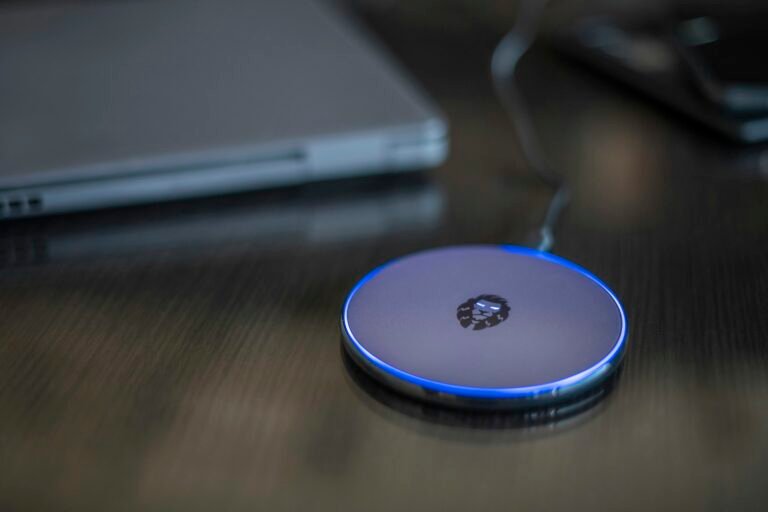
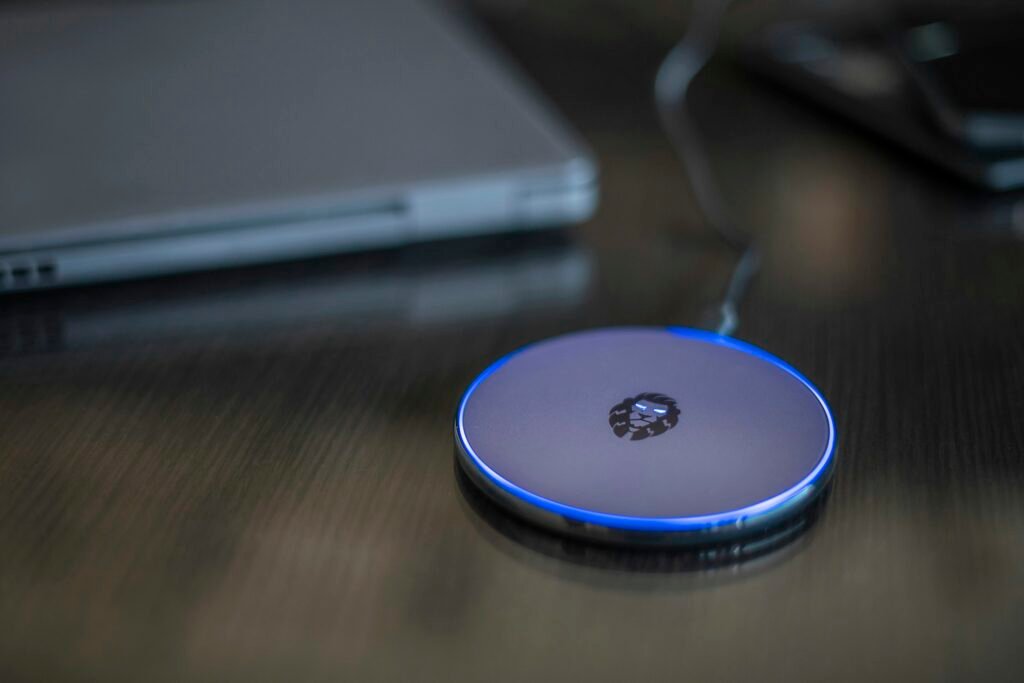
Google Pixelsnap Charger with Stand ($69.99)
Google’s own stand is rated for 25W and is the safest bet for Pixel 11 owners, since it comes from the same company that makes the phone. It holds the phone upright on a desk or nightstand, which is handy for glancing at notifications. It’s pricey, though. In August, 9to5Google spotted the Pixelsnap Charger at $34.99 on Amazon, so it pays to wait for a sale.
iOttie Velox Pro ($64.99)
If you’d rather not buy Google-branded, Android Central’s picks include the iOttie Velox Pro, certified for Qi2.2 25W fast charging. It’s a solid alternative at a similar price.
What to skip
Be careful with bargain magnetic pads that only say “Qi2” or “magnetic” without a wattage. Many top out at 15W, which is fine for overnight charging but defeats the point of the Pixel 11’s upgrade. Also check the power adapter a charger calls for. A 25W pad fed by an old phone brick won’t hit 25W.
Is 25W wireless worth chasing?
For bedside charging, not really. Your phone has all night. The difference shows up during the day: a desk stand that tops you up quickly between meetings, or a car mount on a long drive with navigation running. That’s where 15W struggles to keep pace and 25W actually adds meaningful charge.
Our take: if you’re buying one charger for a Pixel 11, make it a Qi2.2 model. It costs about the same as older gear, and it’ll work at full speed with the next few years of Pixels too.
Sources: 9to5Google, Android Central, Google Store. Photo by Georgi Dyulgerov on Unsplash.

Sidharth
Hey there ! I am Sidharth Shankar, I am an editor at Android Captain. A computer science engineer with 7 years of experience in the technology field, I cover apps, Reviews, AI features, wearables and hands-on how-to guides for Android users.