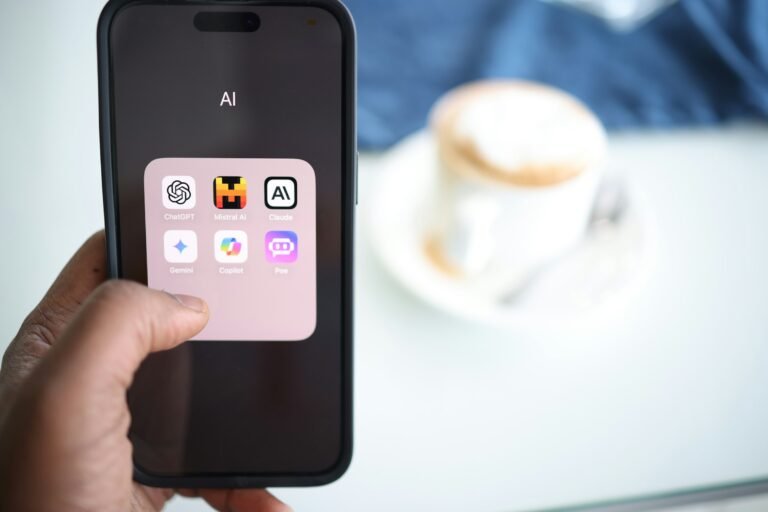
Gemini’s New Map Tool Lets You Circle a Neighborhood and Ask What’s There
Gemini on Android and iPhone now has a Map tool that attaches a chosen area to your prompt. Google is also swapping the / shortcut for @.

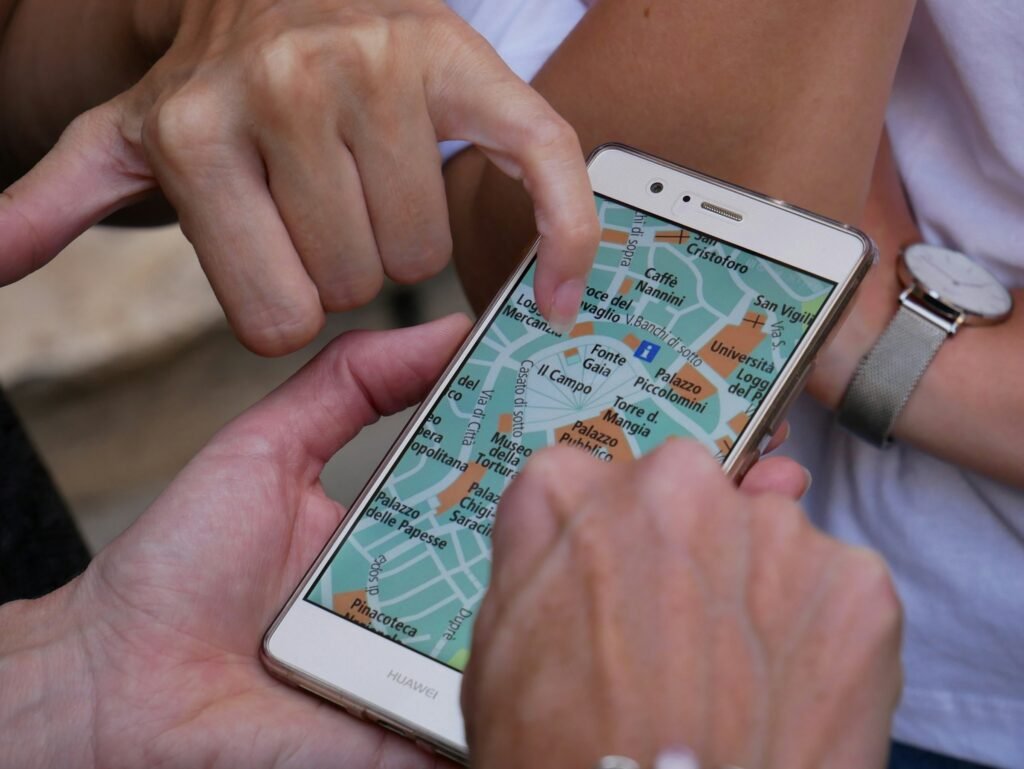
Ask an AI chatbot for “good coffee near me” and you usually get one of two things: a list centered on wherever your phone thinks you are, or a polite request to be more specific. Google’s answer, now widely available in the Gemini app, is to let you point at a map instead.
The new Map tool has rolled out broadly on Android and iOS, according to both 9to5Google and Android Authority. Android Authority first found evidence of it in the Google app back in February, when Tom’s Guide’s write-up of the early version said it still needed “a lot of fine-tuning.” Eight months later, it’s here for real.
How the Map tool works
- Open the Gemini app and look at the tool carousel at the bottom of the screen, where Photos, Camera, Avatar, Files, Drive and Notebooks live. Map now sits alongside them.
- Tap it. A live map opens centered on your current location, with a circle marking the focus area.
- Pan and zoom to move the circle, or tap the magnifying glass to jump to a different city or neighborhood.
- Tap Explore this area. Gemini adds a “Map Area” attachment to the prompt box.
- Type your question, something like “kid-friendly restaurants open late” or “where’s the nearest hospital,” and send it.
It’s a small interface change with a real payoff. A typed location is ambiguous, since “downtown” means something different in every city, and your GPS fix is the wrong place entirely when you’re planning a trip. A circle on a map is neither.
Where it doesn’t work
The tool is phone-only for now. Android Authority notes it isn’t available on the web or on tablets, which is an odd gap given that a bigger screen is the better place to plan a weekend away. Neither report ties it to a paid Google AI plan.
The slash is becoming an @
The other change is subtler but will affect more of your daily Gemini use. Gemini has used a forward slash to pull up shortcuts. In version 17.63 of the Google app beta, Google is swapping it for the @ symbol. Type @ and a wider panel opens with your skills listed first, a shortcut to create a new one, and your connectors underneath.
The in-app notice is blunt about it: “/ is now @. Access your skills, connectors and more from a single place.”
That change is still in limited rollout. It fits Gemini’s broader reshuffle, with Google’s new skills system launching Oct. 13 ahead of the retirement of Gems next month.
Our take
The Map tool is the kind of Gemini feature we’d like to see more of: less “ask me anything,” more “here’s exactly the context you need.” Google Maps has been picking up Gemini features of its own, so it’s fair to ask why you’d go through the chatbot at all. The answer is follow-ups. Once an area is attached, you can keep asking about it in plain English without retyping where you mean, then pivot from restaurants to parking to whether there’s a pharmacy open on Sunday.
The real test is precision. February’s build struggled to narrow its suggestions down to exact locations. Before you trust it in a city you’ve never visited, try it on a neighborhood you know well and see whether the answers hold up.
Sources: 9to5Google, Android Authority, Tom’s Guide. Photo by Sebastian Hietsch on Unsplash.

Sidharth
Hey there ! I am Sidharth Shankar, I am an editor at Android Captain. A computer science engineer with 7 years of experience in the technology field, I cover apps, Reviews, AI features, wearables and hands-on how-to guides for Android users.