Find Hub Can Now Remember Where You Put the Spare Key. Here’s How to Make It Useful
Gemini can now log where you stash passports and spare keys in Find Hub. Here's how the new Remembered tab works and where it falls short.

In this article
Bluetooth trackers solved the problem of losing your keys in a couch cushion. They never solved the passport you put somewhere “safe” before last year’s trip, or the spare key you hid so well you can’t find it either. Nobody puts an AirTag-style tag on a birth certificate.
Google’s answer is refreshingly low-tech. As part of the September Android Drop, Gemini can now save notes about where you put things into Find Hub, the app formerly known as Find My Device. Those notes land in a new Remembered tab, next to the phones, earbuds and trackers Find Hub already locates.
How the Remembered tab works
There’s no tracking involved. You tell Gemini where something is, and Find Hub writes it down. Google’s own example: “Hey Google, remember in Find Hub that I put my passport in my bedroom drawer.” Droid Life’s coverage used a more specific one: “Remember in Find Hub that I put my spare key in the night stand under a book.”
Later, you can ask Gemini where the item is, or open Find Hub and check the Remembered tab yourself. Google says you can also attach a photo showing where you left something, which matters more than it sounds. “Hall closet” is vague. A picture of the shoebox on the top shelf is not.
Erik Kay, Google’s VP of engineering for the Android core platform, framed it simply in the announcement: you’ll be able to ask Gemini to remember where you placed important items, “and it will save their locations in Find Hub so you can easily find them later.”
What you need
- Android 16 or newer. Older phones are left out.
- Gemini and Find Hub on your phone, signed in to the same Google account.
- A supported country. Google limits it to places where both Gemini and Find Hub are available, which includes the U.S.
Like most Android Drop features, it’s rolling out gradually. If you don’t see a Remembered tab yet, update Find Hub and the Gemini app from the Play Store and check again in a few days.
How to actually get value out of it
A memory aid is only as good as the memories you feed it. Here’s how to get the most out of it.
- Log things you rarely touch. Passports, warranty paperwork, the spare car key, holiday decorations, the box for your TV. Things you use every day don’t need it.
- Be absurdly specific. Say “bottom drawer of the dresser in the guest room, under the sweaters,” not “guest room.” Future you will not remember the rest.
- Add the photo. It takes five seconds and removes all ambiguity.
- Update it when you move things. This is a note, not a tracker. If someone relocates your passport, Find Hub won’t know.
- Keep secrets out of it. Logging where the spare house key is hidden is the whole point. Typing your safe’s combination into a note is not a good idea, so leave codes and PINs out.
Where it falls short
As Android Authority pointed out, Google’s announcement left out some basics: exactly how you edit or delete saved locations, how they sync across devices and how the data is stored. Those are fair questions for a feature that maps where your valuables live. Until Google spells it out, use it for the convenient stuff and keep a written record for anything critical.
There’s also the Gemini dependency. Voice entry works only as well as Gemini understands you, and our recent experience with Gemini on Android Auto is a reminder that it doesn’t always cooperate. Saving through the Find Hub interface directly is a reasonable fallback.
Worth turning on?
Yes, if you’re on Android 16. It costs nothing, it needs no extra hardware and it solves a real, recurring household headache. It won’t replace a tracker on your keys or wallet. But for the dozen important things you hide once a year and immediately forget, a searchable list with photos is a genuinely smart addition to Find Hub.
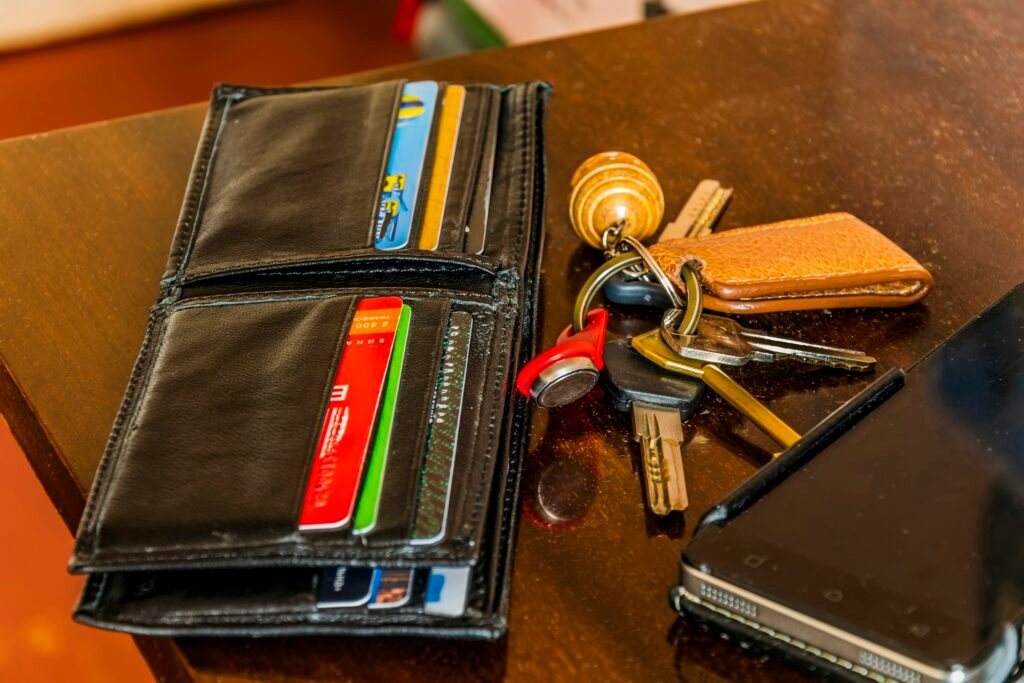
Sources: Google, Android Authority, Droid Life. Photo by Kostiantyn Vierkieiev on Unsplash.

Sidharth
Hey there ! I am Sidharth Shankar, I am an editor at Android Captain. A computer science engineer with 7 years of experience in the technology field, I cover apps, Reviews, AI features, wearables and hands-on how-to guides for Android users.