Pixel Tap-to-Pay Is Failing at the Register for Some Owners. Keep a Card Handy
Pixel 8 through Pixel 11 owners report Google Wallet tap-to-pay cutting out until a reboot. Google hasn't commented yet. Here's what we know.

In this article
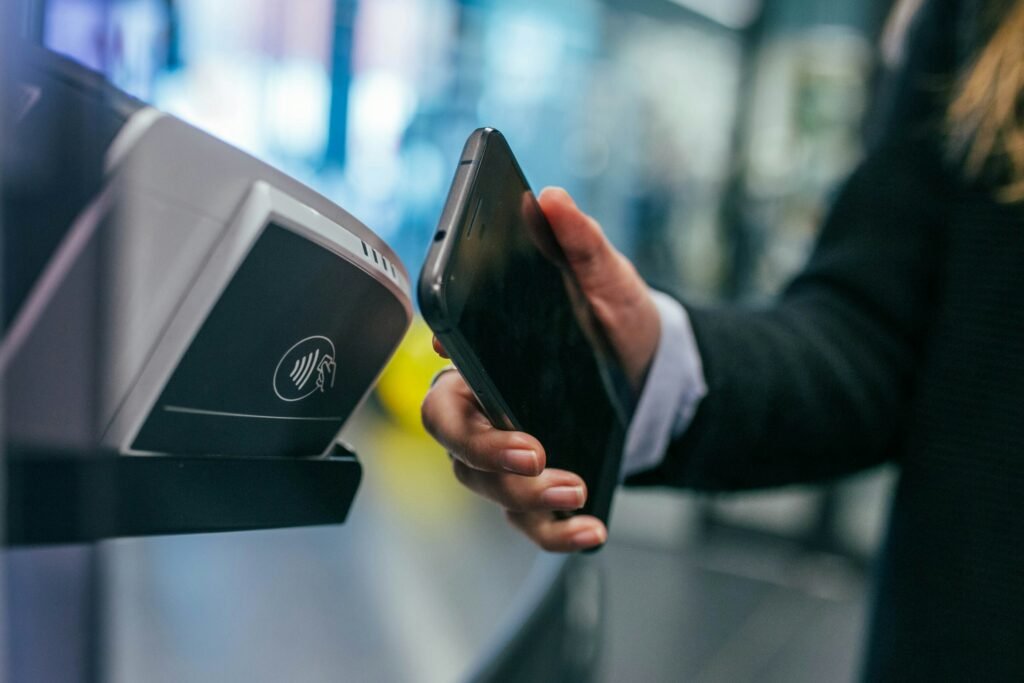
There is a particular kind of dread in holding your phone to a card reader, hearing nothing, and watching the cashier’s face slowly change. A growing number of Pixel owners are living that moment this week. Reports that tap-to-pay and transit passes are failing on Pixel phones have been piling up on Reddit for roughly two weeks, and the problem appears to span four hardware generations.
Google has not acknowledged it publicly. There is no fix yet. There is, however, a workaround, and a pretty clear sense of which phones are affected.
What’s breaking, and on which Pixels
According to reports collected by Android Authority, owners of the Pixel 8, Pixel 9, Pixel 10 and Pixel 11 series say contactless payments and passes “have only been working intermittently.” NFC works, then it doesn’t, then it works again after a restart. Some people hit it at grocery checkouts; others at transit turnstiles, which is arguably worse because there is a line of commuters behind you.
9to5Google notes that in some cases other NFC functions still work while Google Wallet payments fail, which points more toward a software problem than dying hardware. One Redditor summed up the mood well: “I’m glad it’s not just me. I thought my 11 Pro Fold was faulty. A reboot fixes it but tap-to-pay is something you kinda need to work within seconds.”
It isn’t a fringe complaint, either. In an Android Authority reader poll, 62% of respondents said they had run into similar tap-to-pay trouble on their Pixel. That’s a self-selected audience, so don’t read it as a failure rate, but it tells you this is more than a handful of unlucky phones.
The suspects: Android 17 and a Play Services build
Nobody outside Google knows the root cause yet. What we do have are build numbers from affected users. One Pixel 11 Pro XL owner reported running Android 17 build CD1A.260905.001.B1 alongside Google Play Services 26.34.36, meaning a fully up-to-date phone is not immune. Android Headlines reports the same combination.
That matters for two reasons. First, it suggests waiting for the next system update is the realistic path to a fix, since there’s nothing to roll back to on a stock phone without wiping it. Second, because Google Wallet’s NFC behavior leans on Play Services, a fix could arrive quietly through a Play Services update rather than a full monthly patch. Google has pushed several Play Services builds this month already.
| Detail | What’s been reported |
|---|---|
| Affected phones | Pixel 8, 9, 10 and 11 series |
| When it started | Roughly two weeks ago, per Reddit threads |
| Reported software | Android 17 CD1A.260905.001.B1, Play Services 26.34.36 |
| Temporary fix | Restart the phone |
| Google’s response | None yet |
What you should do right now
If your Pixel has been flaky at the register, here’s the practical playbook until Google says something:
- Restart before you need it. A reboot restores tap-to-pay for most people, though Android Headlines notes the problem often comes back later in the day. Restarting before a commute or a big shopping trip buys you a window.
- Carry a physical card. It sounds old-fashioned, but it’s the only guarantee. If you rely on your phone for transit fare, keep a backup card or pass in your wallet this week.
- Check for updates daily. Look in Settings for both system updates and Google Play system updates, and update Play Services from the Play Store if it’s offered.
- Report it. Use the Send feedback option in Settings so Google can tie your logs to the issue. Volume of reports tends to speed up acknowledgments.
Why this one stings
Pixel software bugs are nothing new, and this month has already been rough, with some owners locked out of their phones after the September update. But payment failures hit differently. A glitchy widget is an annoyance; a phone that won’t pay for groceries is a trust problem, and trust is exactly what Google needs if it wants people to leave their physical wallets at home.
Google should at minimum confirm it’s investigating. Until then, the honest advice is the unglamorous one: reboot, keep a card in your pocket, and watch for a Play Services update.
Sources: Android Authority, 9to5Google, Android Headlines. Photo by Jonas Leupe on Unsplash.

Harish
I am the founder of androidcaptain.com, a tech graduate and writes which covers android, smartphones, apps, software, and the rapidly evolving world of artificial intelligence. I focus on breaking down new technologies, exploring useful features, and helping readers understand how their devices and software can work better for them.