Google Is Linking Your Phone Number to Every Account on Your Android Phone. Here’s How to Stop It
Google Play Services is auto-linking your phone number to every Google account on your Android phone. Here's how to turn it off and unlink it.

In this article
If you keep a second Google account on your Android phone for work, side projects or simply to keep your inbox away from your real identity, check your settings today. Google Play Services has been quietly verifying the phone number in your SIM and attaching it to every Google account signed in on the device, and the switch that does it is turned on by default.
The behavior surfaced on Reddit, where a user named Nanosinx flagged it, and it has since been reported by Android Authority, TechRadar and Android Central. Some people found out the hard way: an email from noreply-phone-verification@google.com telling them a number had been verified on an account they never meant to tie to it. Others, including several Android Authority staffers, found the toggle already enabled without ever getting an email.
The fix takes about 30 seconds. Undoing what’s already been linked takes a little longer. Here’s both.
How to turn off Google’s automatic phone number verification
The setting lives inside Google’s own settings panel, not your phone maker’s, so the path is roughly the same on a Pixel, a Galaxy or a Motorola. Menu labels can vary slightly by device.
- Open the Settings app.
- Tap Google (on some phones it’s called Google services and preferences).
- Switch to the All services tab.
- Under Privacy & security, tap Phone number verification.
- Turn off Verify phone numbers automatically.
That stops future linking. It does not remove a number Google has already attached to your accounts.
Remove the number from accounts where it doesn’t belong
- Go to myaccount.google.com/personal-info while signed in to the secondary account (or open it from the Google Account page on your phone).
- Under Contact info, tap Phone.
- Delete the number from that account.
- Repeat for every other account on the phone that shouldn’t carry it.
Before you delete anything, think about your primary account. If that’s the one you use for recovery codes and two-step verification, leave its number alone. The goal is to strip the number from the accounts you deliberately kept separate, not to lock yourself out of the one that matters.
Check again in a week
Some Reddit users say the toggle flipped itself back on after they turned it off. Android Authority couldn’t reproduce that, and its writer said the setting stayed off on their devices, “for now.” TechRadar and Android Central both repeat the warning. Until Google says otherwise, treat this as a setting you recheck, not one you set and forget. TechRadar also notes reports of the same behavior on GrapheneOS, likely only where Google Play Services is installed.
What Google says the feature is for
Google hasn’t put out a statement on the opt-out behavior. Android Authority and Android Central both say they asked and haven’t heard back.
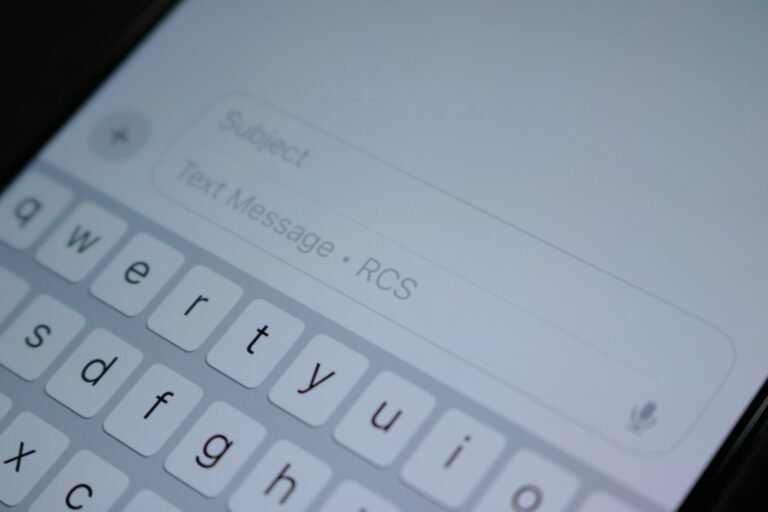
What exists is a support page (support.google.com/android/answer/7521240). According to Android Central, it says the setting lets Google and your carrier periodically re-verify your number, which supports account recovery, RCS messaging in Google Messages, emergency features and Quick Share. Those are real benefits. RCS in particular leans on a verified number, and recovery by text is still how plenty of people get back into a locked account.
The problem is the part that’s harder to find. Android Authority reports that the same support page was changed sometime between August and October 2025 to add default-on verification and linking to all accounts on the device. Before that, it only said Google periodically re-verifies the device’s number. So the scope grew, the default stayed “on,” and most people learned about it from Reddit.
Why this matters more than it sounds
A phone number isn’t just a contact detail anymore. It’s an identifier that follows you across apps, data brokers and account recovery systems. Plenty of Android users run a secondary Google account precisely so that a newsletter signup, a marketplace listing or a burner YouTube channel can’t be traced back to the number their family and bank use.
Linking that number to every account on the phone collapses the wall without asking. Google ends up holding a clear record that your “anonymous” account and your real one belong to the same person. Even if Google never misuses that, the link now exists in one more place that could be subpoenaed, breached or exposed by a misconfigured recovery flow.
Android Central put it bluntly: “Convenience is no substitute for informed consent.” That’s the right frame. Nobody is arguing RCS or account recovery are bad. The objection is that an action with obvious privacy consequences shipped as a silent default for every account on the device, rather than a prompt for the one account you actually chose.
Readers are not taking it well, either. Android Authority ran a poll on its report, and the result was lopsided.
| Android Authority reader poll (2,059 votes) | Share of votes |
|---|---|
| Decreases my trust in Google’s services | 86% |
| No notable effect | 6% |
| A more nuanced view | 4% |
| Strengthens my trust | 3% |
A reader poll on an enthusiast site isn’t a scientific survey, and the people who vote are the people who care most. Still, 86% is not a mixed reaction.
Who should act now
- Anyone with more than one Google account on their phone. Work, school, family-shared or throwaway accounts are all in scope.
- People who keep a public or pseudonymous account. Creators, sellers and anyone who uses a second account to stay anonymous should check the Contact info page on that account first.
- Work-profile users. If your employer’s account is signed in on your personal phone, you may not want your personal number attached to it.
If you only have one Google account and it already has your number on it, nothing has really changed for you. You can leave the toggle on if you rely on RCS and recovery texts.
For everyone else, the takeaway is simple: turn off Verify phone numbers automatically, clean the number off the accounts that shouldn’t have it, and look at the toggle again in a week. If Google responds to the reports, we’ll update this story.
Sources: Android Authority, TechRadar, Android Central. Photo by Daniel Romero on Unsplash.

Harish
I am the founder of androidcaptain.com, a tech graduate and writes which covers android, smartphones, apps, software, and the rapidly evolving world of artificial intelligence. I focus on breaking down new technologies, exploring useful features, and helping readers understand how their devices and software can work better for them.