Google Home Update Adds Faster Gemini Live, Nest Cam Sirens and Smarter Story Time
The Nov. 25 Google Home update brings a faster Gemini Live, Nest Cam siren controls and thermostat fixes. Here's what changed and how to get it.

In this article
If your Nest speaker or Hub has felt a little sharper this week, you’re not imagining it. Google pushed one of its bigger Google Home updates of the fall on Nov. 25, with 19 changes spread across Gemini for Home, Nest cameras, thermostats and speakers. Some are headline features. Most are the kind of fixes that make a smart home feel less like a science project.
Here’s what changed, what you need to get it, and which parts are worth your attention.
Gemini for Home: a faster Gemini Live and better bedtime stories
The biggest piece is on the voice side, and it’s limited to households in the Gemini for Home early access program.
Gemini Live is getting faster and more natural. Say “Hey Google, let’s chat” to start a back-and-forth conversation. The improved version can now also handle everyday actions mid-conversation, like setting a timer or turning off the lights, so you don’t have to break out of Live to do something basic. Google says this one is rolling out “over the coming weeks,” so don’t panic if it hasn’t reached you yet.
Story time got an upgrade. “Hey Google, tell me a story” now uses more expressive narrator voices with dynamic pacing, and you can steer the plot as it goes. Google’s own example is asking it to “make the main character have magical powers” halfway through. Google says this is rolling out starting now, and it’s the feature most likely to win over families with a speaker in the kids’ room.
The rest of the Gemini changes are less flashy but arguably more useful day to day:
- Quicker smart home commands. Google says performance improvements for common device controls have fully rolled out.
- Follow-ups that actually follow. Gemini no longer loses track when you say “turn off the living room lights” and then “turn them back on.”
- Fewer “nothing is playing” replies when you tell it to stop music or media.
- Sources on smart displays. When Gemini answers from the web, you can tap “Sources” to see which sites it used.
That last one is a small but welcome move. Being able to check where an AI answer came from shouldn’t be optional, and it’s good to see it on the Hub screen too.
Nest Cam and onn cameras: sirens, Familiar Faces and fixes
Camera owners get the most hardware-specific changes in this release.
Remote siren controls
You can now start or stop a 30-second security siren from the Google Home app while you’re watching a live feed. It works on three cameras:
- Nest Cam Outdoor (wired, 2nd gen)
- onn Outdoor Camera Plug-In
- onn Floodlight Camera Hardwired
To use it, open the camera’s live view in the Google Home app and look for the siren control. With porch-pirate season in full swing, the timing is good.
Familiar Faces comes to Walmart’s onn cameras
The onn Outdoor Camera Plug-In and onn Floodlight Camera Hardwired now support Familiar Face alerts. There’s a catch that not every report mentions: Google’s release notes say it requires a Google Home Premium subscription. 9to5Google’s write-up doesn’t mention the paywall, but Google’s own notes and Droid Life both do, so plan on paying for it.
Premium subscribers in the U.S. also get a one-step setup when adding a new camera, which turns on all their premium camera features at once. Existing settings stay as they are, and you can opt specific cameras or features out before you finish.
Bug fixes Android users will appreciate
- Event notification previews (video clips and thumbnails) are back on widescreen Nest and partner cameras for phones on Android 17.
- Fewer “Couldn’t play video” errors when scrubbing through event history on Android.
- On Pixel phones, landscape camera controls no longer overlap the front camera cutout.
Google also says you can now share video clip feedback in homes with multiple admins, in supported regions, and optionally share clips to help improve Gemini’s video understanding. That’s opt-in, and worth thinking about before you tap yes.
Thermostats, lights and speakers
Nest Learning Thermostat (4th gen) and Nest Thermostat owners can now copy one day’s schedule to other days instead of building each day from scratch. It’s a long-overdue fix for anyone who has tried to set up a weekday schedule on a phone screen.
On iOS, the light color wheel was updated so full-saturation colors are easier to hit. Media fixes include:
- Google Home Speaker setup: an iOS screen flash fix, an updated speaker image layout, and the “Update finished” confirmation restored on Android.
- Stereo pair and speaker group controls on Android no longer get stuck on a blank loading screen.
- Fixes for Google TV audio output setup and status on Android and iOS.
- More consistent music transfer between speakers and displays on Android, plus more reliable cast controls.
How to get the update
- Update the Google Home app from the Play Store or App Store. Many of the camera and app changes depend on it.
- For the Gemini features, join Gemini for Home early access if you haven’t. The Gemini Live and storytelling changes are listed under the early access program.
- Give it time. The Gemini changes happen behind the scenes, and Gemini Live is rolling out over several weeks. The smart home speed boost has already fully rolled out.
- Check your subscription if you want Familiar Faces on onn cameras or the one-step premium setup. Both need Google Home Premium.
Our take
This is a fix-it update with a couple of crowd-pleasers on top. The siren control and thermostat schedule copying are the features most people will actually use, and the follow-up command fix addresses one of the most annoying Gemini habits on speakers. Putting Familiar Faces behind Premium on budget onn cameras is less charming, but it’s consistent with how Google has priced its camera intelligence. One caveat: Google says its release notes are generated with the help of Gemini and may need corrections, so a detail or two could still change.
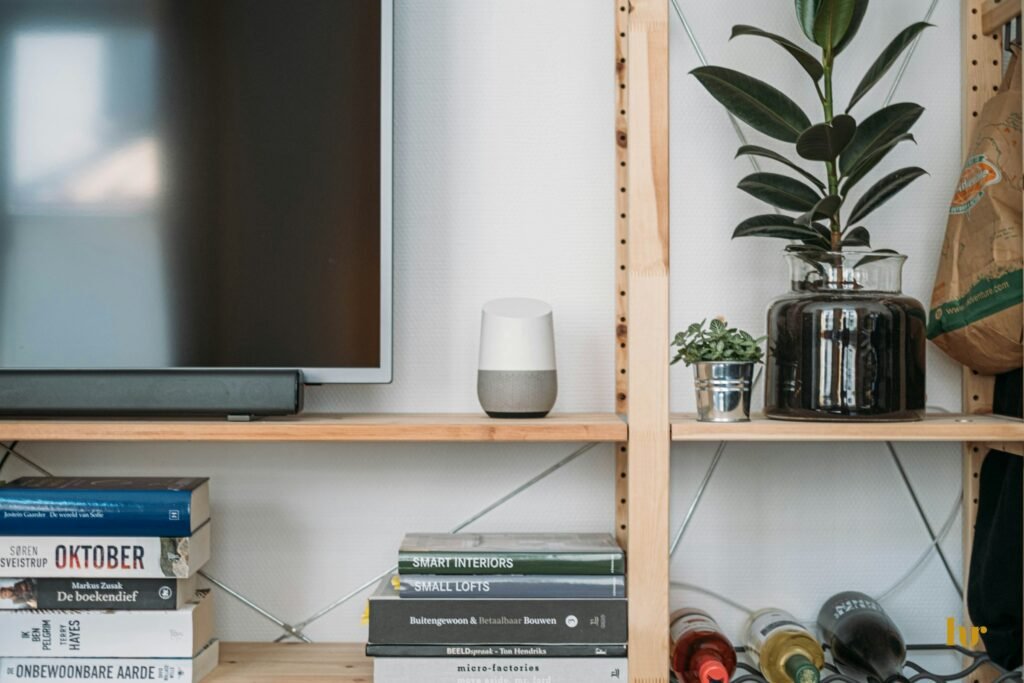
Sources: Google Home Help, 9to5Google, Droid Life. Photo by Jonas Leupe on Unsplash.

Sidharth
Hey there ! I am Sidharth Shankar, I am an editor at Android Captain. A computer science engineer with 7 years of experience in the technology field, I cover apps, Reviews, AI features, wearables and hands-on how-to guides for Android users.